
Here’s a question worth sitting with: if AI tools are supposed to save you hours every week, why do most people who use them feel busier than ever?
I’ve been testing AI productivity tools seriously for over two years. And the honest answer is this — most people aren’t using the wrong tools. They’re using too many of them, in the wrong order, without a real system behind any of it. The result is a stack of subscriptions, a guilt-inducing list of apps they “should” be using, and roughly the same amount of deep work getting done as before.
This guide on the best AI tools for productivity in 2026 is different from what you’ll find elsewhere. I’m not going to list 50 apps and wish you luck. I tested 30+ tools over several months, running real work through each one — writing, scheduling, meetings, research, coding, automation — and kept only the ones that actually changed what I could get done in a day.
More importantly, I’m going to tell you which ones to skip, which ones overlap with tools you already have, and how to build a stack that actually sticks — without burning $300/month on subscriptions you barely open.
What Actually Makes an AI Tool Productive (And What Doesn’t)
Before we get into the list, I want to establish a framework that most “best AI tools” articles skip entirely.
In my testing, every AI productivity tool falls into one of three categories:
- Capability Multipliers: These take something you already do well and make you dramatically better at it. The quality ceiling rises. These are the rare ones worth paying for.
- Speed Accelerators: These make something you do adequately go faster. Useful, but not transformational. Often replaceable by a cheaper or free alternative.
- Dependency Generators: These feel essential but quietly erode the skill they’re replacing. Dangerous for anyone building long-term expertise. Worth identifying and avoiding.
I’ll flag which category each tool falls into as we go. It’s the framework that will save you the most money and time.
I also have a simple three-question test before adding any AI tool to a permanent workflow:
- Does it save at least 30 minutes per week of real work — not “potential” time?
- Does it work with tools I already use, or does it require rebuilding my workflow around it?
- Would I notice its absence within 48 hours?
If a tool can’t pass all three after a two-week trial, it doesn’t make the permanent stack. Simple filter, surprisingly ruthless results.
Category 1: AI Assistants — The Foundation of Every Productivity Stack
Every AI productivity stack needs a general-purpose AI assistant at its core. This is your thinking partner, first-draft engine, research collaborator, and reasoning tool. Get this choice right and everything else becomes easier. Get it wrong and you’ll spend more time fighting the tool than using it.
1. Claude (Anthropic) — Best AI Tool for Deep Thinking and Long-Form Work
Best for: Knowledge workers, writers, researchers, consultants, legal and finance professionals
Pricing: Free tier available. Claude Pro at $20/month. Claude for Teams at $25/user/month.
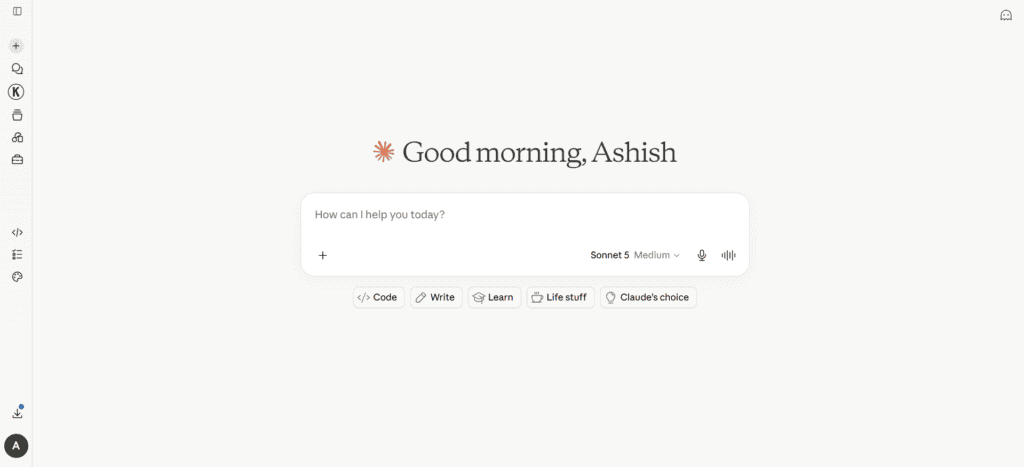
In six weeks of comparative testing, Claude consistently produced the highest-quality long-form outputs of any AI assistant I tested. The reasoning is more careful, the prose sounds less robotic, and the 200,000 token context window means you can hand it an entire report, contract, or codebase and get a genuinely useful response back.
Where Claude particularly stands out for productivity: document work. If you regularly work with long PDFs, research papers, legal documents, or client briefs, Claude’s ability to synthesize and reason across thousands of pages without losing the thread is genuinely different from competitors. I’ve used it to analyse 80-page reports, extract contradictions across contracts, and build structured summaries that would have taken me an afternoon to produce manually.
Real use case: I dropped a 60-page research report into Claude and asked it to identify the three most counterintuitive findings, summarise the methodology weaknesses, and draft an executive summary for a non-technical audience. It came back in 90 seconds with something I only needed to lightly edit. That task used to take me two hours.
Honest limitation: Claude doesn’t have persistent memory across conversations by default (though Projects feature helps). And its image generation is not its strength — use dedicated tools for that.
Category: Capability Multiplier for knowledge work. Speed Accelerator for routine tasks.
2. ChatGPT (OpenAI) — Best All-Rounder for Diverse Daily Tasks
Best for: Freelancers, marketers, students, anyone needing a versatile daily driver
Pricing: Free tier (GPT-4o). ChatGPT Plus at $20/month. Team at $25/user/month.
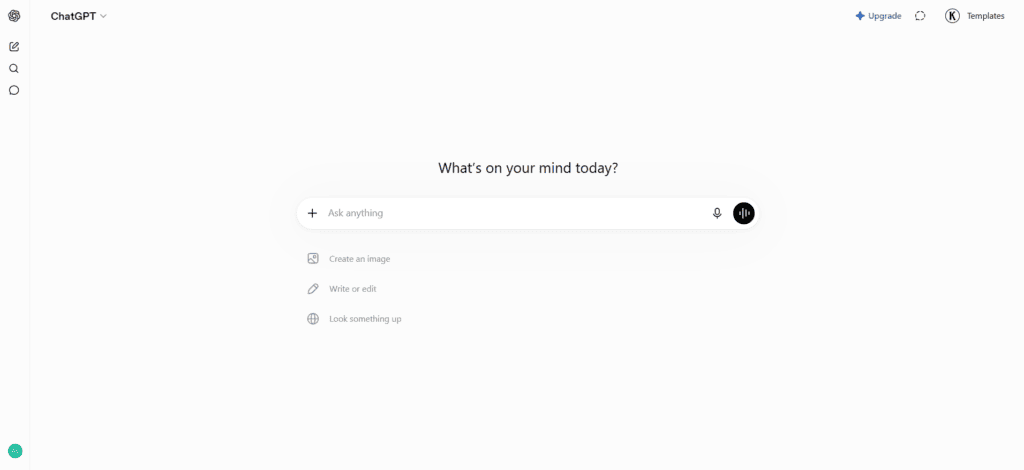
ChatGPT remains the most widely used AI productivity tool in 2026, and for good reason. It handles the broadest range of tasks — writing, coding, research, image generation, data analysis, voice — with fewer rough edges than most alternatives. The Custom GPTs feature lets you build specialised assistants for repeated workflows without any coding.
For daily productivity, ChatGPT shines at: quick research questions, email drafts, data interpretation, and anything that benefits from the enormous plugin and integration ecosystem. If Claude is the deep thinker, ChatGPT is the versatile generalist.
Real use case: I use a Custom GPT trained on my writing style to generate first drafts of client emails. Feed it a bullet list of what I need to say, get back a polished draft in my voice. What used to take 15 minutes now takes 90 seconds of editing.
Honest limitation: Quality can be inconsistent, especially on complex reasoning tasks. And the free tier restrictions are tighter than they look — you’ll hit usage caps faster than expected during a busy workday.
Category: Speed Accelerator for most tasks. Capability Multiplier if you invest time in building good Custom GPTs.
3. Perplexity AI — Best AI Tool for Research and Fact-Checking
Best for: Researchers, journalists, consultants, students, anyone doing knowledge-heavy work
Pricing: Free. Perplexity Pro at $20/month (or $200/year).
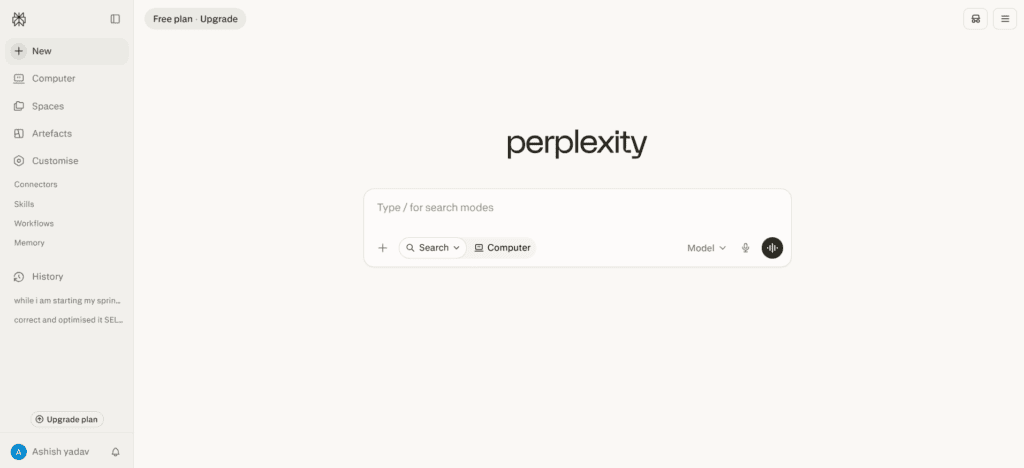
Perplexity is what Google would look like if it were built from scratch today. Every answer comes with numbered citations linking to verified sources. The Deep Research mode runs approximately 8 searches, consults an average of 42 sources, and delivers a structured 1,300-word report in under three minutes.
This is the AI tool I recommend most enthusiastically to people who think they don’t need AI tools yet. The time compression on research tasks is immediate and obvious. Questions that used to require 20 minutes of tab-hopping get answered in 30 seconds with citations you can verify.
Real use case: Before every client meeting, I run a Perplexity Deep Research on their company, their market, and their recent news. In 5 minutes I have a briefing document that shows up as genuine preparation. It used to take me 45 minutes and I’d still miss things.
Honest limitation: Perplexity can still hallucinate on niche topics where source quality is poor. Always click through the citations on anything important. It’s a starting point, not a final source.
Category: Capability Multiplier for research-heavy roles.
Category 2: AI Scheduling Tools — Stop Doing Calendar Tetris Every Morning
The average knowledge worker spends 4.1 hours per week on scheduling-related tasks — booking meetings, rearranging their calendar, manually protecting focus time, and updating their availability. AI scheduling tools eliminate almost all of that. This category has the most underappreciated ROI of anything in this guide.
4. Reclaim AI — Best AI Scheduling Tool for Protecting Focus Time
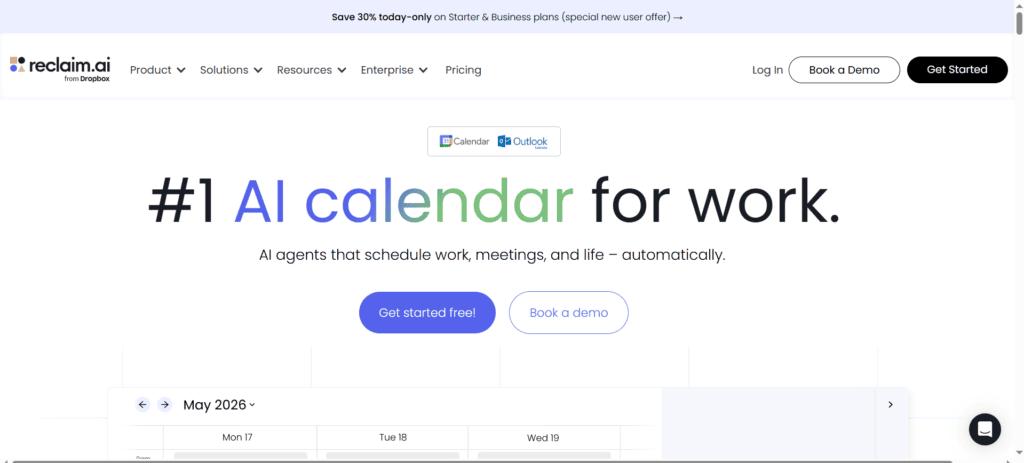
Best for: Professionals on Google Calendar or Outlook who need to protect deep work time and personal habits
Pricing: Free Lite plan. Starter at $8/user/month. Business at $12/user/month.
Reclaim AI sits on top of your existing calendar and automatically schedules your tasks, habits, focus blocks, and meetings — then reshuffles everything in real time as your week changes. The Habits feature is genuinely unique: it protects recurring personal routines like lunch, exercise, and deep work blocks, and moves them when meetings land on top of them rather than just losing them.
I ran Reclaim for 30 days straight. Three things stood out: (1) I took lunch every single day for the first time in years, (2) my focus blocks survived meeting-heavy weeks for the first time ever, and (3) the Slack status sync meant my team always knew when I was heads-down without me manually updating anything.
Reclaim also integrates natively with Asana, Jira, Todoist, ClickUp, Linear, and Google Tasks — pulling tasks directly from those tools into your calendar without re-entry. This is the key differentiator vs Motion, which requires everything to live in its own app.
Read the full review: Reclaim AI Review 2026 — Is It Worth It?
Honest limitation: No native mobile app (web only). Outlook support still lags behind Google Calendar. Not a project management tool.
Category: Capability Multiplier for anyone whose calendar is chaos.
5. Motion — Best AI Tool for All-in-One Scheduling and Project Management
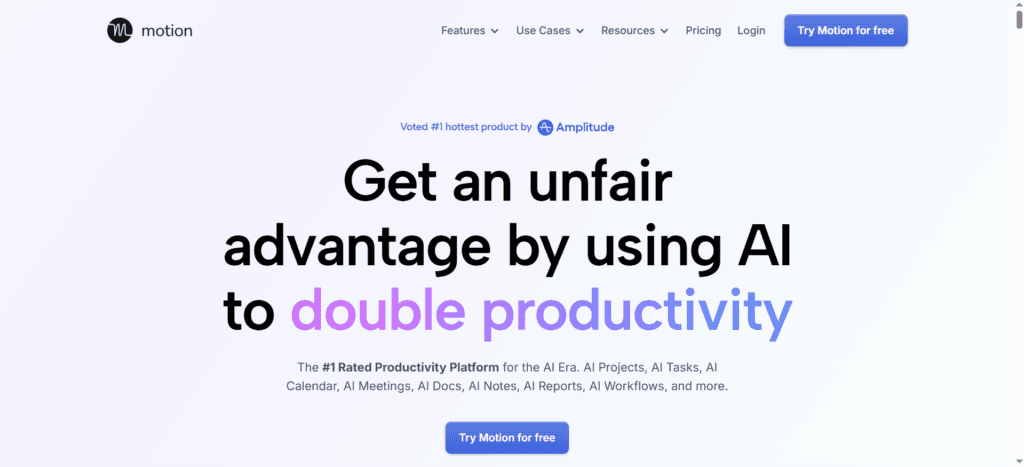
Best for: Solopreneurs and small teams who want AI scheduling AND task/project management in one app
Pricing: No free plan. Pro AI at $19/seat/month. Business AI at $29/seat/month.
Motion is the most ambitious AI productivity tool in the scheduling space. It auto-schedules your tasks, manages your projects, handles your calendar, and reschedules everything automatically when priorities shift. Unlike Reclaim, which sits on top of your existing tools, Motion wants to be your primary workspace.
For solopreneurs who want to consolidate tools, Motion can genuinely replace a separate task manager plus a calendar tool. The AI is aggressive — it will reshuffle your entire day when one high-priority item appears, without asking permission — which some users love and others find alarming.
Honest limitation: Expensive (no free tier), limited mobile apps, and requires tasks to live inside Motion rather than syncing from other tools. If you’re already deep in Asana or Jira, Motion’s walled-garden approach is a real pain point.
Read the full comparison: Motion vs Reclaim AI — Which Wins for Your Workflow?
Category: Capability Multiplier for solopreneurs. Speed Accelerator for teams already in dedicated PM tools.
6. Clockwise — Best AI Tool for Team Calendar Optimisation
Best for: Teams with meeting overload who want to create more uninterrupted focus time across the whole team
Pricing: Free plan available. Team plans from $6.75/user/month.
Clockwise takes a different approach than Reclaim or Motion. Rather than scheduling your individual tasks, it optimises when meetings happen across your entire team to create the largest possible blocks of uninterrupted focus time for everyone simultaneously. If your problem is that your team’s meetings are scattered randomly throughout the day and nobody gets a solid two-hour stretch, Clockwise fixes that.
It won’t schedule your personal tasks. But as a meeting reorganisation tool for teams, nothing else comes close.
Category: Capability Multiplier for teams with calendar fragmentation problems.
Category 3: AI Writing Tools — From First Draft to Final Polish
AI writing tools have the biggest gap between hype and reality of any category. Everyone has tried one and been underwhelmed. But the tools that actually work aren’t trying to write for you — they’re eliminating the parts of writing that slow you down: the blank page, the slow editing pass, the brand voice inconsistency.
7. Notion AI — Best AI Writing Tool for Teams Already in Notion
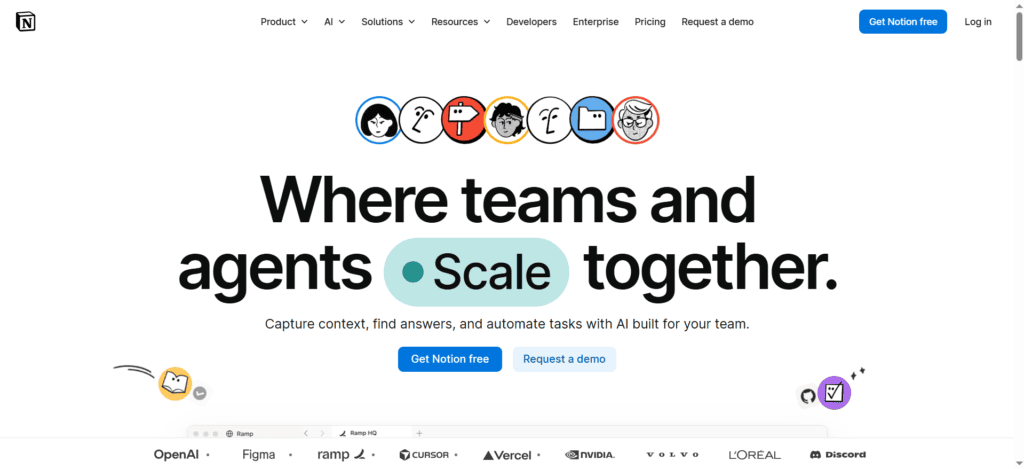
Best for: Teams using Notion for notes, wikis, and documentation who want AI built into their existing workspace
Pricing: $10/month add-on (requires Notion subscription). Business plan at $20/user/month includes AI.
The strongest argument for Notion AI isn’t the AI itself — it’s the integration. When your writing tool is also your AI tool, context-switching disappears. Ask AI to summarise a long meeting note, draft a project brief from a bullet list, or find a document from weeks ago — all without leaving the app you’re already in.
The search improvement alone justifies the cost for most Notion users. “Find the doc where we discussed Q3 pricing” actually works now, even if you can’t remember the title.
Honest limitation: Notion AI is bounded by what’s in your Notion workspace. It can’t pull from external sources or do original research. Don’t use it as a replacement for Perplexity.
Category: Capability Multiplier for Notion-heavy teams. Redundant if you’re not already in Notion.
8. Grammarly — Best AI Writing Tool for Error-Free, Polished Communication
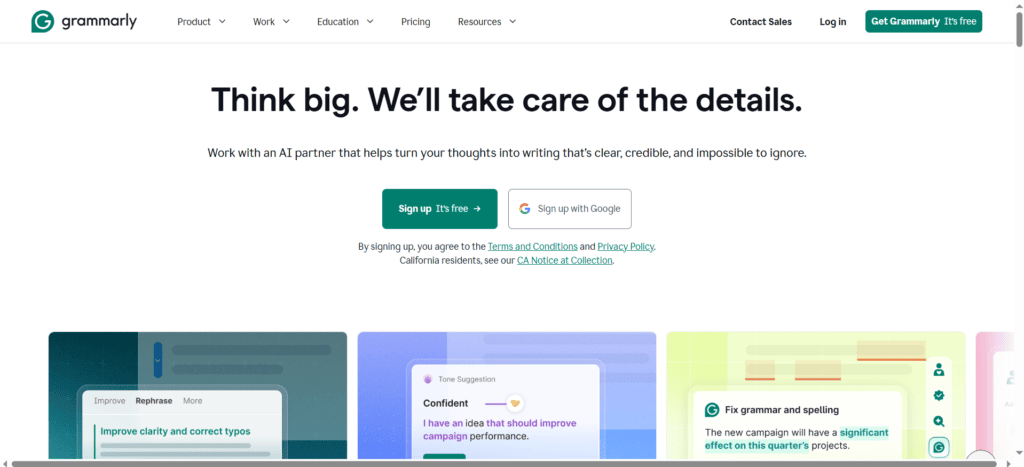
Best for: Anyone who sends professional written communication regularly — emails, reports, Slack messages, proposals
Pricing: Free tier available. Pro at $12/month. Business plans for teams.
Grammarly has evolved far beyond spell-checking. The 2026 version suggests tone adjustments, catches logical inconsistencies, flags overused phrases, and even rewrites entire sentences for clarity. GrammarlyGO (its generative AI layer) can draft emails from bullet points directly in Gmail, Outlook, or Google Docs without switching apps.
What makes Grammarly genuinely productive is its ubiquity — it works everywhere you write, without requiring you to change how or where you write.
Honest limitation: The free tier catches basic errors but the real value is in Pro. And Grammarly can sometimes “over-correct” casual writing into stiff corporate prose if you don’t override its suggestions carefully.
Category: Speed Accelerator that compounds over time.
9. Jasper AI — Best AI Writing Tool for High-Volume Marketing Content
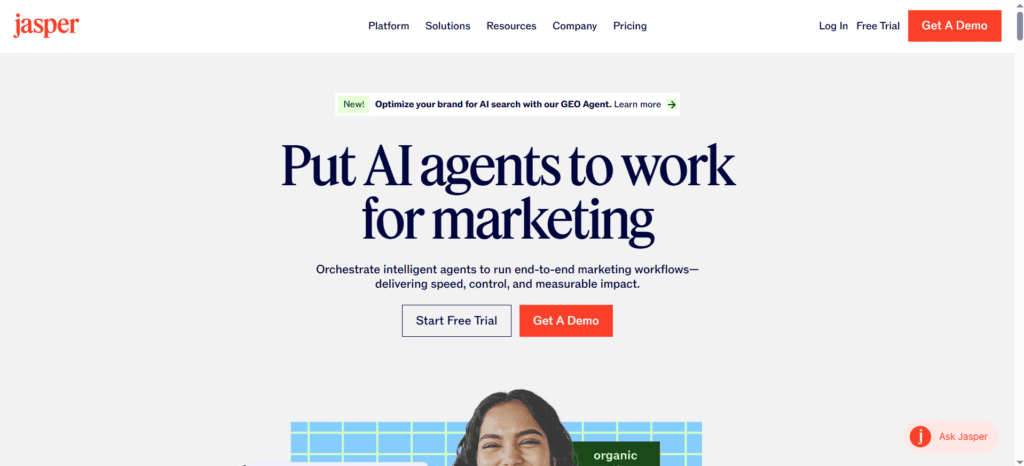
Best for: Marketing teams producing 10+ pieces of content weekly who need consistent brand voice at scale
Pricing: Starts at $49/month. Creator plan $39/month. Teams plans available.
Jasper is not for everyone. If you write occasionally, Claude or ChatGPT handles it fine and costs half as much. Jasper is for teams producing high volumes of marketing content — blog posts, ads, emails, social copy — who need every piece to sound like the same brand.
The brand voice training is Jasper’s killer feature. Train it on your existing content and it maintains your voice across output from multiple writers. For agencies managing multiple clients, or marketing teams where different people write different things, this consistency is worth significant money.
Category: Capability Multiplier for marketing teams. Overkill for individuals.
Category 4: AI Meeting Tools — Stop Taking Notes, Start Having Conversations
This is the productivity category with the fastest, most obvious ROI. If you spend more than 5 hours per week in meetings and manually take notes during or after them, an AI meeting tool will save you 3–5 hours per week almost immediately. That’s not an exaggeration. It’s the most consistent time saving I’ve measured across any tool category.
10. Fireflies.ai — Best AI Meeting Tool for Automatic Transcription and CRM Sync
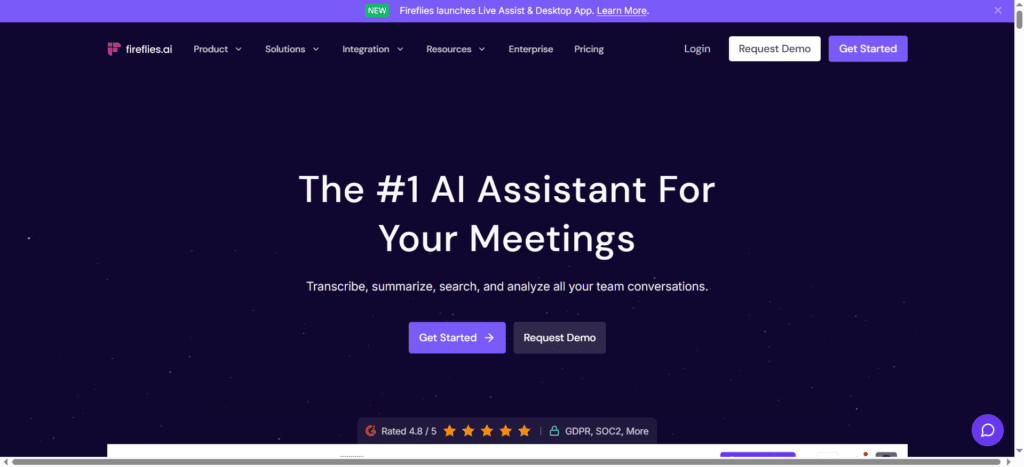
Best for: Sales teams, managers with many 1:1s, remote teams running multiple meetings daily
Pricing: Free plan (800 minutes storage/month). Pro at $10/user/month. Business at $19/user/month.
Fireflies automatically joins your Zoom, Google Meet, or Teams calls, records everything, transcribes with 90%+ accuracy, and generates summaries with action items — all without you doing anything except showing up to the meeting.
The intelligence layer is what makes Fireflies more than just a transcription service. It tracks sentiment throughout calls, flags buying signals (critical for sales teams), identifies objections, and builds a searchable archive of every meeting you’ve had. In two months of use, I’ve gone back to search meeting transcripts more times than I expected — and found things I’d completely forgotten were discussed.
Real use case: A sales rep on my team uses Fireflies to push action items directly to HubSpot after every prospect call. What used to be 15 minutes of post-call CRM entry is now automatic. Per 5 calls per day, that’s over an hour saved — every day.
Honest limitation: Some meeting participants feel uncomfortable with AI recording — always announce it. The free plan’s 800-minute storage cap runs out quickly for heavy meeting users.
Category: Capability Multiplier for sales teams. Speed Accelerator for everyone else.
11. Otter.ai — Best AI Meeting Tool for Real-Time Live Transcription
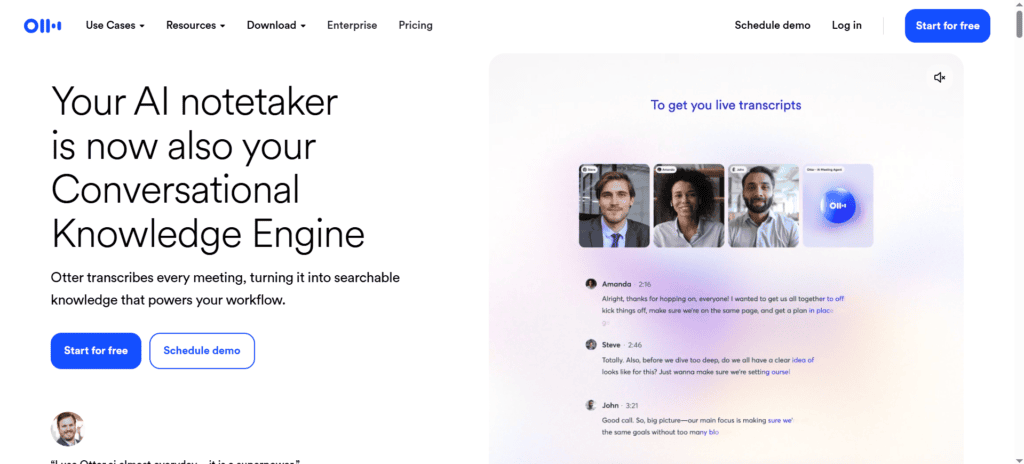
Best for: Journalists, academics, anyone who needs real-time live captions or immediate transcription access during a meeting
Pricing: Free (300 minutes/month). Pro at $8.33/month. Business at $20/user/month.
Otter’s real-time transcription is faster than Fireflies — text appears on screen as people speak, which makes it uniquely useful for people with hearing difficulties, journalists who need quotes immediately, or anyone who wants to read along rather than watch back later. It also generates live meeting summaries that update in real time as the conversation develops.
Honest limitation: Otter’s accuracy drops more significantly in noisy environments or with heavy accents than Fireflies. And its CRM integrations are thinner — Fireflies wins for sales teams specifically.
Category: Speed Accelerator with strong accessibility value.
12. tldv.io — Best Free AI Meeting Tool for Remote Teams
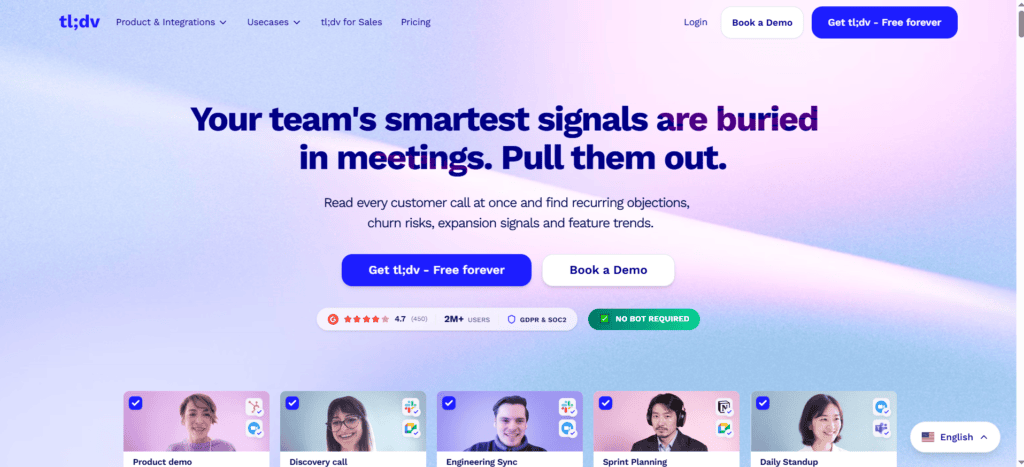
Best for: Remote teams on tight budgets who need meeting summaries and shareable clips without paying much
Pricing: Free plan (unlimited recordings for Google Meet and Zoom). Pro at $18/user/month.
tldv.io offers unlimited meeting recording on the free plan — which immediately makes it the best entry point for anyone exploring AI meeting tools. The clip-sharing feature (create a short highlight from any point in a meeting and share it) is genuinely useful for asynchronous teams where not everyone can attend every meeting.
Category: Speed Accelerator. Best free option in the category.
Category 5: AI Research Tools — Stop Drowning in Tabs
Knowledge work runs on research. The problem isn’t access to information in 2026 — it’s the time it takes to find, read, evaluate, and synthesise it. AI research tools collapse that process dramatically.
13. Perplexity AI Deep Research — Best for Fast, Cited Research Briefs
Already covered in the AI Assistants section — but worth calling out separately because it genuinely operates differently as a research tool than as a general assistant. The Deep Research mode is a category-defining feature. Use it every time you need to understand a topic quickly and have verifiable sources to back it up.
14. Elicit — Best AI Research Tool for Academic and Scientific Research
Best for: Researchers, academics, policy analysts, medical professionals who work with peer-reviewed literature
Pricing: Free tier. Plus plan at $10/month. Professional at $42/month.
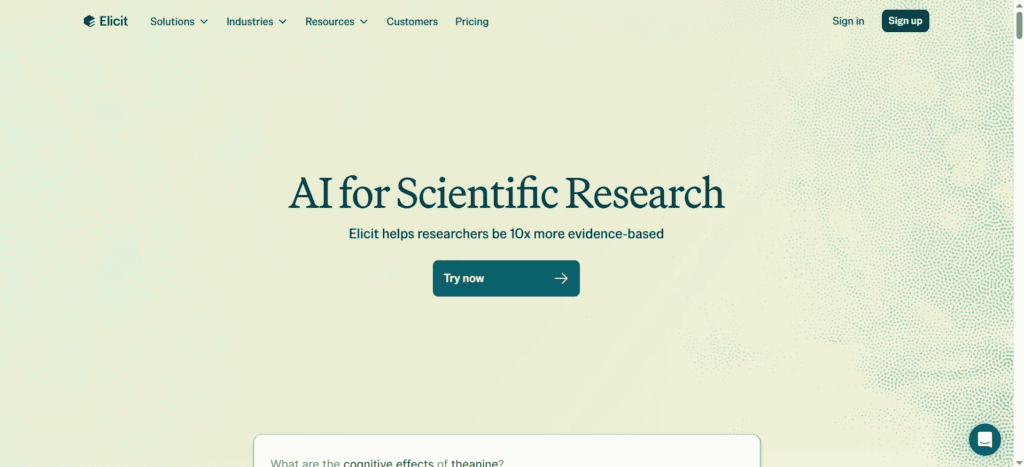
Elicit is the research tool most general-purpose AI lists completely ignore — and it’s the one that matters most if your work involves scientific or academic sources. It searches across 125 million academic papers, extracts key findings, compares methodologies, and identifies conflicting evidence. For anyone doing literature reviews, policy research, or evidence-based writing, this replaces days of manual reading.
Real use case: A healthcare consultant I know used Elicit to compare 40 studies on a specific treatment protocol in two hours. The same review would have taken a research assistant two weeks. The output was a structured summary with direct quotes, methodology ratings, and confidence levels — immediately usable in a client report.
Category: Capability Multiplier for evidence-based professionals. Unknown to 95% of AI productivity articles.
15. Consensus — Best AI Tool for Evidence-Based Decision Making
Best for: Healthcare, nutrition, psychology, policy — any field where “what does the research actually say” matters
Pricing: Free tier. Premium at $8.99/month.
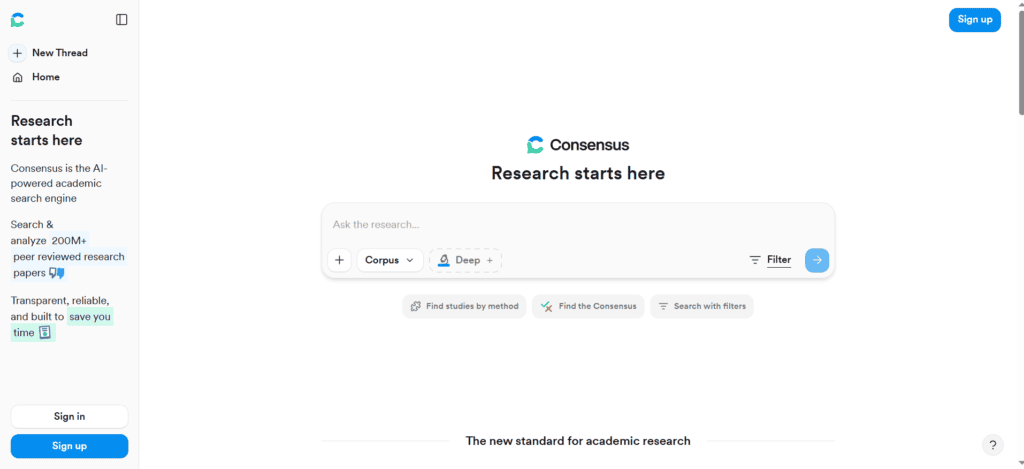
Consensus answers questions by searching peer-reviewed research and showing you what percentage of studies support or contradict a claim. Ask “Does intermittent fasting improve cognitive performance?” and Consensus returns a Consensus Meter showing the balance of evidence, with direct links to the papers. This is the research tool for questions where opinions are cheap but evidence is what matters.
Category: Capability Multiplier for evidence-driven professionals.
Category 6: AI Automation Tools — Make Your Apps Work Together Without Code
Automation is where AI productivity stops being incremental and starts being transformational. The tools in this category don’t just help you work faster — they do work for you while you sleep. If you haven’t explored AI automation yet, this is the category that will change how you think about your workday.
16. Zapier — Best AI Automation Tool for Non-Technical Users
Best for: Marketers, ops teams, solopreneurs who want to connect their apps and automate workflows without coding
Pricing: Free plan (100 tasks/month). Starter at $19.99/month. Professional at $49/month.
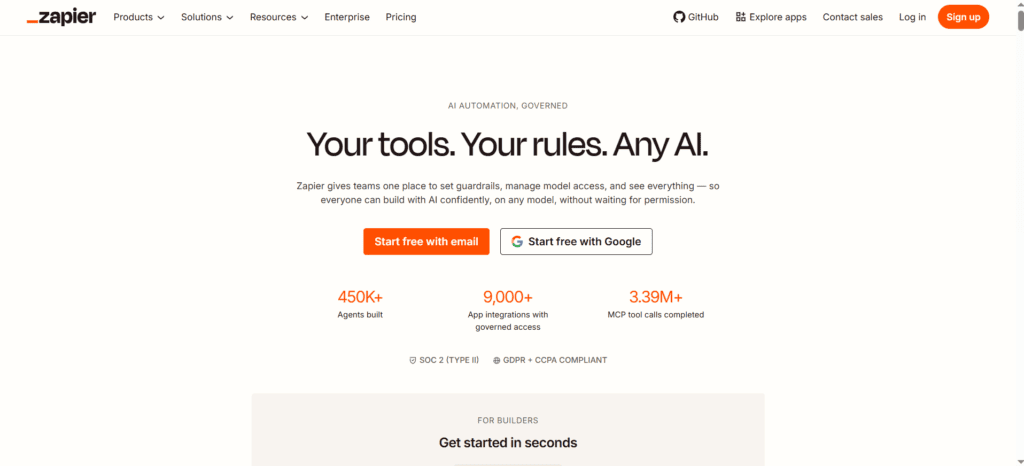
Zapier connects over 7,000 apps and lets you automate the handoffs between them — when this happens in App A, do this in App B — without writing a line of code. The AI Copilot now lets you describe what you want in plain English and builds the automation for you.
The Zapier AI Agents update in 2025 was significant. You can now build agents that don’t just trigger on events — they reason about what action to take, consult your data, and handle multi-step decisions. This is the closest most non-developers will get to having a software system that manages itself.
Real use case: When a new lead fills out my contact form → automatically add them to my CRM → send a personalised acknowledgement email → create a task in my project manager to follow up → notify me in Slack. Five steps, zero manual work, runs 24/7. Setup time: 45 minutes once.
Honest limitation: Costs can creep up fast if you have many high-volume Zaps. And complex multi-step automations sometimes break when one connected app changes its API — requiring maintenance time.
Category: Capability Multiplier. The single highest ROI tool for anyone running a business or team.
17. Make (formerly Integromat) — Best AI Automation for Complex, Visual Workflows
Best for: Power users and technical teams who want more control and cheaper pricing than Zapier for complex automations
Pricing: Free plan (1,000 operations/month). Core at $9/month. Pro at $16/month.
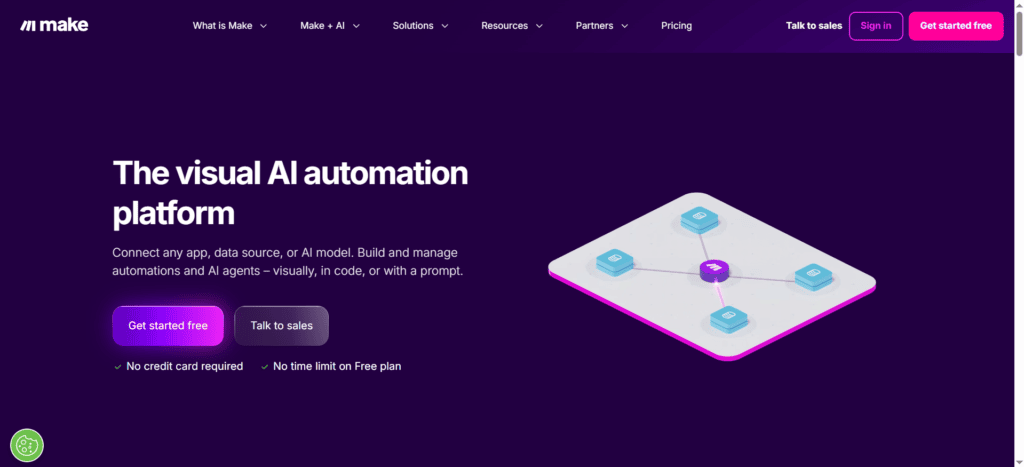
Make offers significantly more flexibility than Zapier for complex, multi-branch automations — and at lower cost per operation. The visual scenario builder makes it possible to see exactly what your automation does at every step, which makes debugging and editing much easier for complex workflows.
The tradeoff: Make has a steeper learning curve than Zapier. Budget an extra hour or two to get comfortable with its interface.
Category: Capability Multiplier for power users. More than necessary for simple automations.
Category 7: AI Coding Tools — For Developers and Non-Developers Who Build Things
I’m including coding tools in this productivity guide because in 2026, “coding” no longer just means developers. Non-technical founders, marketers, and analysts are using AI coding tools to build internal tools, analyse data, and automate tasks that previously required engineering resources. This category is worth knowing about even if you’ve never written a line of code.
18. GitHub Copilot — Best AI Coding Tool for Professional Developers
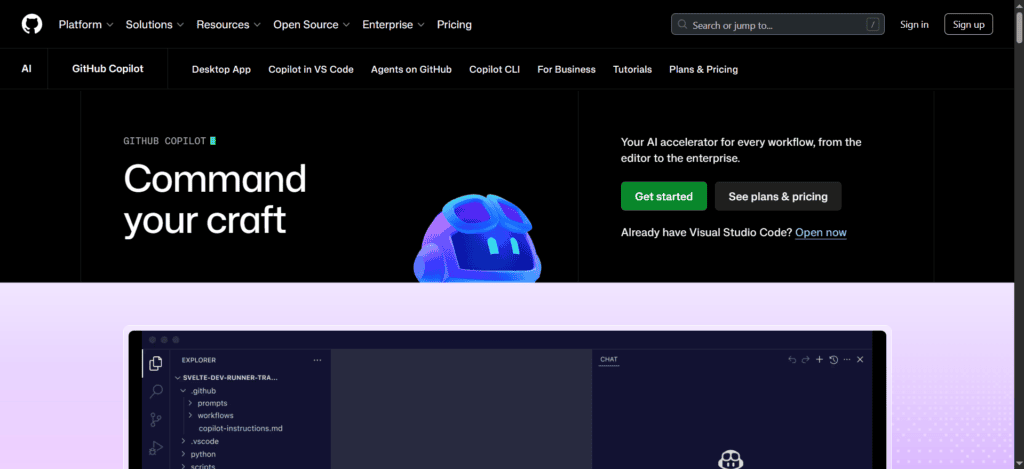
Best for: Software engineers, data scientists, anyone who writes code professionally
Pricing: Free tier (2,000 completions/month). Pro at $10/month. Business at $19/user/month.
GitHub Copilot understands context across your entire codebase, suggests full functions, writes tests, catches bugs as you type, and generates boilerplate in seconds. For professional developers, this has become as essential as autocomplete — the question isn’t whether to use it, it’s how to use it most effectively. Studies show it improves developer productivity by 55% on average for routine coding tasks.
Category: Capability Multiplier for developers.
19. Cursor — Best AI Coding Tool for AI-First Development
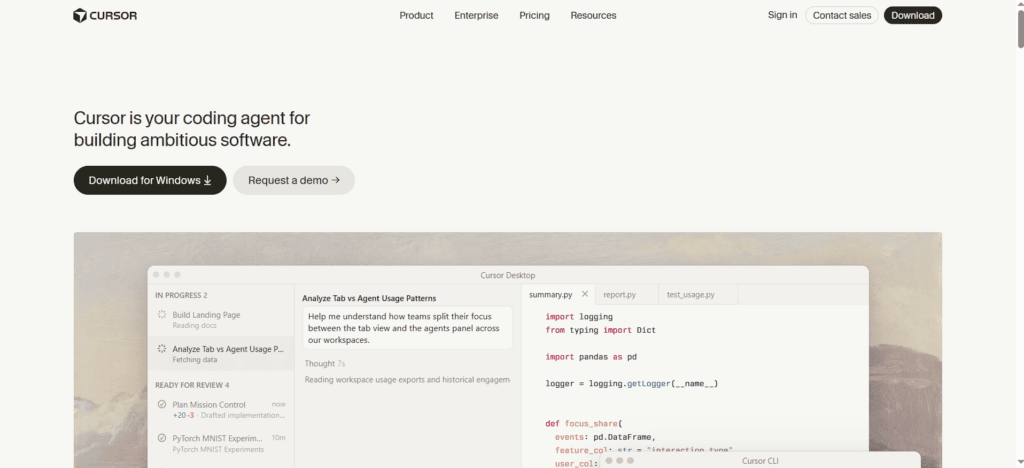
Best for: Developers who want an AI-native IDE that reasons about their entire codebase
Pricing: Free tier. Pro at $20/month.
Cursor is a code editor built from the ground up around AI — not AI bolted onto an existing editor. You can describe what you want to build in plain language, and Cursor writes, edits, and debugs across multiple files simultaneously. The “composer” mode lets you describe a feature and watch Cursor implement it across your entire codebase.
Many experienced developers who’ve switched from VS Code to Cursor report it as the single biggest productivity jump they’ve experienced in years.
Category: Capability Multiplier for developers willing to invest time in the workflow shift.
20. Lovable — Best AI Tool for Non-Developers Who Want to Build Apps
Best for: Founders, product managers, marketers who want to build functional web apps without writing code
Pricing: Free tier (5 credits/day). Pro at $25/month. Business at $50/month.
Lovable turns plain English descriptions into full-stack web applications — frontend UI, backend databases, authentication systems, and deployment. You describe what you need, Lovable builds it, you own the code. For non-developers who’ve always needed engineering resources to build internal tools, this is transformational.
Category: Capability Multiplier for non-technical builders. This is the tool that expands what’s possible, not just what’s faster.
Category 8: AI Tools for Specific Productivity Workflows
21. ClickUp AI — Best All-in-One Project Management with Built-in AI
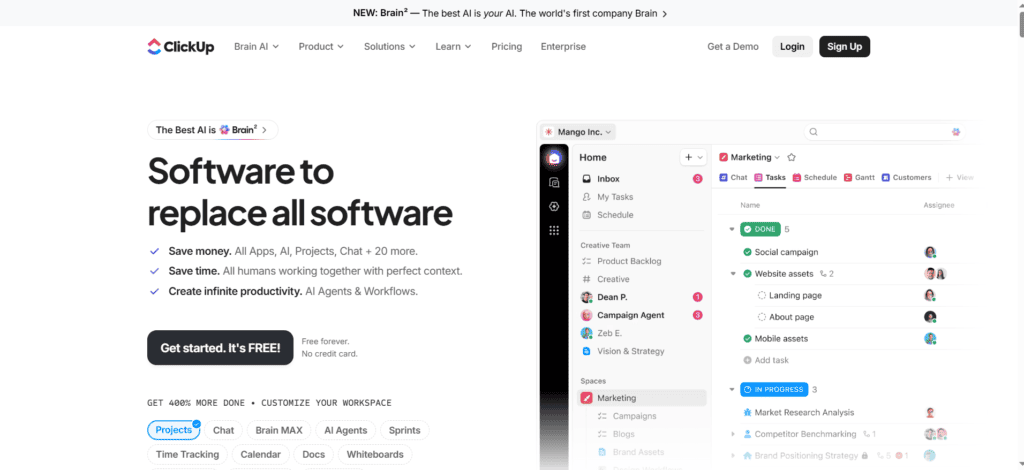
Best for: Teams who want one tool for tasks, projects, docs, and AI assistance without juggling multiple platforms
Pricing: Free Forever plan. Unlimited at $7/user/month. Business at $12/user/month. AI add-on at $7/month.
ClickUp in 2026 is genuinely impressive. ClickUp Brain — its AI layer — summarises tasks, writes subtasks from a brief, generates project reports, answers questions about your workspace, and drafts docs without leaving the platform. For teams already in ClickUp, activating Brain is the highest-ROI upgrade available.
Read more: ClickUp AI Review 2026 — Features, Pricing and Verdict
Category: Capability Multiplier for teams. Speed Accelerator for individuals.
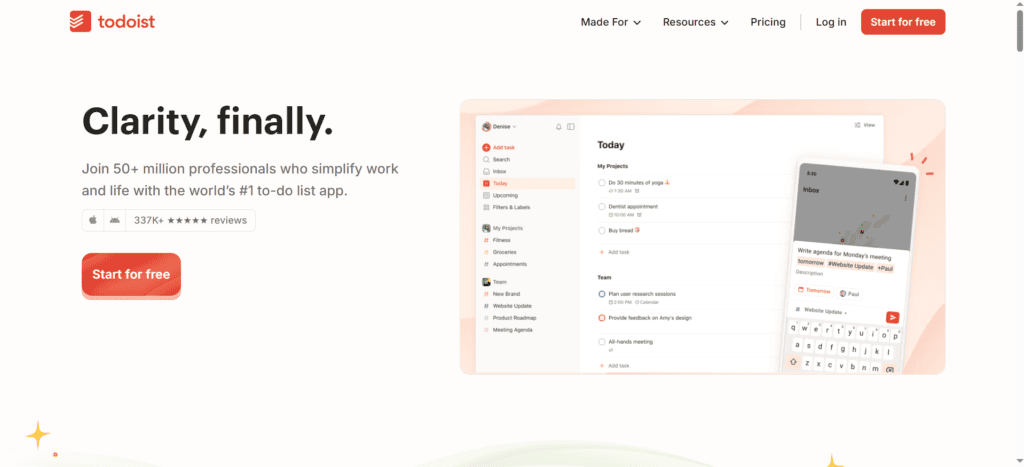
22. Todoist — Best Simple AI Task Manager for Getting Things Done Fast
Best for: Individuals who want a fast, reliable task manager that stays out of the way
Pricing: Free tier. Pro at $4/month. Business at $6/user/month.
Todoist’s AI features are understated but useful: natural language task entry (“email John about budget every Monday at 9am” just works), AI-generated subtasks from a vague task description, and smart scheduling suggestions. Its strength is that it does one thing — task management — better than almost any other app, and it works on every device perfectly.
Category: Speed Accelerator. Best in class for the role it plays.
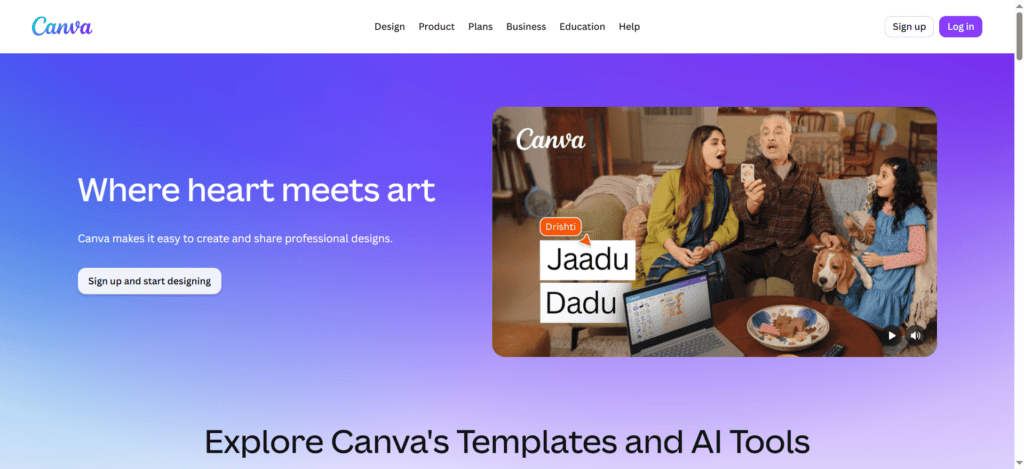
23. Canva Magic Studio — Best AI Design Tool for Non-Designers
Best for: Marketers, content creators, small business owners who need professional-looking visuals without a designer
Pricing: Free tier. Pro at $12.99/month.
Canva’s Magic Studio suite — Magic Design, Magic Write, Background Remover, AI image generation, video editing — turns rough ideas into professional-looking visuals in minutes. The AI Presentations feature generates complete slide decks from a brief description. For non-designers who’ve always felt their visual content looked cheap, this is the tool that closes that gap.
Category: Capability Multiplier for non-designers. Speed Accelerator for people with some design skill.
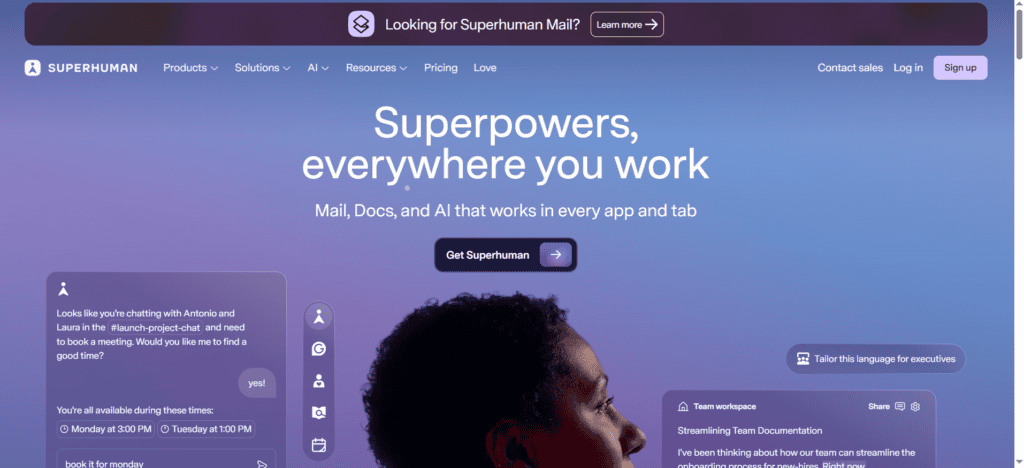
24. Superhuman — Best AI Email Tool for High-Volume Email Communicators
Best for: Executives, founders, sales professionals, and anyone for whom email is a significant part of their actual job
Pricing: $30/month.
Superhuman is expensive and unapologetically built for people who send a lot of important emails. Its AI reads your patterns, learns how you respond to different types of messages, and over time drafts replies that sound genuinely like you. The keyboard shortcuts, split inbox, and snooze features compress the physical time of email management. Users consistently report reaching Inbox Zero faster than they thought possible.
Honest limitation: At $30/month, this needs to save you at least 30 minutes per day to justify the cost. For occasional email users, it doesn’t. For executives spending 3+ hours daily on email, it pays for itself in the first week.
Category: Capability Multiplier for heavy email users. Overkill for everyone else.
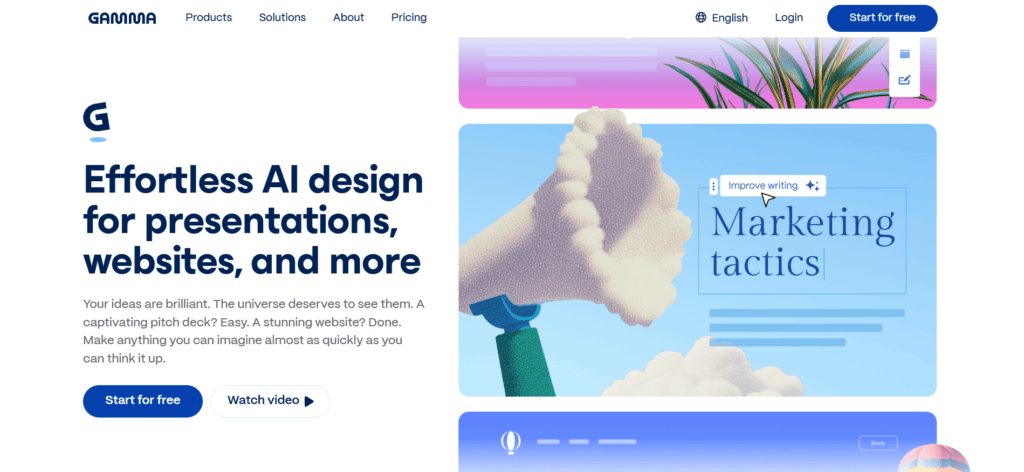
25. Gamma — Best AI Tool for Presentations Without a Design Background
Best for: Consultants, marketers, anyone who needs polished presentations fast without using PowerPoint
Pricing: Free (limited exports). Plus at $10/month. Pro at $20/month.
Gamma generates complete, well-designed presentations from a brief outline or topic description in under two minutes. The output isn’t PowerPoint-style slides — it’s a more modern, web-native format that looks professional without requiring any design input. For internal presentations, client briefs, and quick pitches, it eliminates the formatting tax of traditional slide tools entirely.
Category: Capability Multiplier for non-designers. Speed Accelerator for everyone.
26. RescueTime — Best AI Tool for Understanding Where Your Time Actually Goes
Best for: Anyone who suspects their most productive hours aren’t going to their most important work
Pricing: Free tier. Premium at $6.50/month.
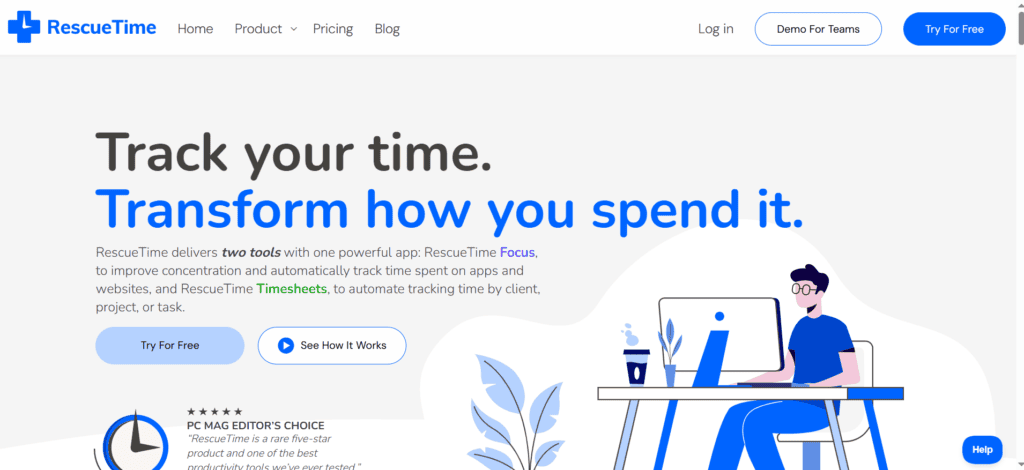
RescueTime runs silently in the background and tracks exactly how you spend time on your devices — categorising every app and website as productive, neutral, or distracting. The AI layer in 2026 goes further: it identifies your peak focus hours, flags patterns of distraction, and gives you a daily Focus Score with specific recommendations for improvement.
This is the diagnostic tool. You need to know where time is going before you can optimise it. Most people significantly overestimate how much deep work they’re actually doing — RescueTime is often a sobering but useful reality check.
Category: Capability Multiplier. The only tool in this guide that improves your use of all other tools.
27. Akiflow — Best Daily Planner for Busy Professionals Who Want Full Control
Best for: Professionals who want a unified daily planning tool that pulls from every task source and calendar into one view
Pricing: Pro Yearly at $9.50/month (billed annually). Pro Monthly at $34/month.
Akiflow pulls tasks from Gmail, Slack, Todoist, Notion, Asana, ClickUp, Trello, Linear, Jira, and your calendar into a single unified inbox, then lets you time-block your day with drag-and-drop precision. Unlike Motion (which schedules automatically) or Reclaim (which optimises intelligently), Akiflow gives you full manual control with AI-assisted suggestions. If you want to be the one who decides your schedule but want all the inputs in one place, Akiflow is the best tool for that workflow.
Category: Capability Multiplier for intentional planners.
How to Build Your AI Productivity Stack Without Overspending
The most expensive mistake people make with AI productivity tools is subscribing to too many at once. I’ve seen people pay $400/month for a stack of overlapping tools that collectively save less time than one well-chosen $20/month subscription would.
Here’s how I recommend building a stack based on what you actually do:
The Starter Stack (Under $30/Month) — For Individuals Just Getting Started
- Claude or ChatGPT Free tier — general AI assistant
- Reclaim AI Lite (Free) — calendar and habit protection
- Perplexity Free — research and fact-checking
- tldv Free — unlimited meeting recording
- Todoist Free — task management
Total cost: $0. Realistic time saving: 5–8 hours per week if used consistently.
The Professional Stack ($50–$80/Month) — For Knowledge Workers and Freelancers
- Claude Pro ($20/month) — primary AI assistant
- Reclaim AI Starter ($8/month) — scheduling and focus time
- Perplexity Pro ($20/month) — research with deep research mode
- Fireflies Pro ($10/month) — meeting transcription and summaries
- Zapier Starter ($20/month) — workflow automation
Total cost: ~$78/month. Realistic time saving: 12–18 hours per week. ROI: extremely high for anyone billing hourly or managing significant workload.
The Team Stack ($100–$150/Month Per Person) — For Teams Wanting Full Coverage
- ChatGPT Team or Claude Team ($25–$30) — shared AI assistant
- Reclaim AI Business ($12/month) — team scheduling and analytics
- ClickUp Business with AI ($19/month) — project management and AI
- Fireflies Business ($19/month) — meeting intelligence and CRM sync
- Zapier Professional ($49/month, shared) — workflow automation
Total cost: ~$110–$130/user/month. Realistic time saving: 15–20 hours per person per week. At a $30/hour average knowledge worker cost, that’s $450–$600/week in reclaimed time per person.
The AI Tools That Don’t Make This List — And Why
This section is what most guides skip entirely. Here are the categories of tools I tested that didn’t make the cut — and the honest reason why.
AI tools that overpromise and underdeliver: Multiple AI “all-in-one” platforms promised to replace my entire workflow with one subscription. None of them came close. A specialised AI assistant for writing, a specialised scheduler, and a specialised meeting tool each outperformed the generalists significantly.
AI tools with steep learning curves that never paid back: Several automation platforms and AI agents required significant setup time that I never fully recovered in time savings. For tools where you need to invest more than 4 hours to see value, the burden of proof is high — most don’t pass it.
AI tools that are basically the same as ChatGPT with a markup: A significant number of “AI writing tools” in 2026 are GPT-4 with a branded interface and a 3x price premium. Check what model a tool is actually running before paying for it.
The Honest Truth About AI Tools for Productivity in 2026
AI tools will not fix a broken workflow. If your day is chaotic because of unclear priorities, too many meetings, or poor task management, adding AI tools will add chaos faster than it removes it.
The people getting the most value from AI productivity tools in 2026 share three characteristics:
- They started with one tool and committed to it for at least 30 days before adding another
- They chose tools that work with their existing systems, not tools that require rebuilding everything around a new platform
- They treat AI as the thing that handles what they’re already doing well — faster — not as a substitute for the judgment and creativity that actually creates value
The stack matters less than the discipline. Pick two tools from this guide today. Use them seriously for a month. Then decide what to add next.
Conclusion: Your AI Productivity Stack Starts With One Decision
The best AI tools for productivity in 2026 aren’t the most impressive demos or the most expensive subscriptions. They’re the ones you actually use every day — the tools that have quietly changed what you’re capable of getting done, in ways that compound over months and years.
If you leave this guide with one action: pick the category where you lose the most time right now — meetings, scheduling, research, writing, or automation — and start with the one tool in that category rated as a Capability Multiplier. Use it for 30 days. Measure the time it saves. Then build from there.
That’s how the people getting 15+ hours back per week are doing it. Not by using every tool in this guide — by going deep on the two or three that matter most for how they actually work.
1.What are the best AI tools for productivity in 2026?
The best AI tools for productivity in 2026 depend on your biggest time bottleneck. For general AI assistance: Claude or ChatGPT. For scheduling: Reclaim AI or Motion. For meetings: Fireflies.ai or tl;dv. For research: Perplexity AI or Elicit. For automation: Zapier or Make. For writing: Notion AI or Grammarly. The best approach is to identify where you lose the most time and start with one specialised tool for that category.
2.Which AI tool saves the most time for knowledge workers?
In practical testing, AI meeting tools (Fireflies.ai, tl;dv, Otter.ai) deliver the fastest and most consistent time savings — typically 3–5 hours per week for anyone in 5+ hours of meetings. AI scheduling tools (Reclaim AI, Motion) come second, saving 3–4 hours per week on calendar management. AI assistants (Claude, ChatGPT) save the most time for people whose core work involves writing, research, or analysis.
3.Are AI productivity tools worth the money?
Yes, for most knowledge workers — but only if chosen carefully. A $20/month AI assistant that saves 2 hours of work per week generates ROI equivalent to a $50+/hour contractor at a tiny fraction of the cost. The risk is subscribing to too many overlapping tools. Start with one or two, measure the time saved, and add tools only when a specific bottleneck remains after 30 days of using your current stack.
4.What is the best free AI productivity tool?
The best free AI productivity tools in 2026: Reclaim AI Lite (free forever, AI calendar scheduling), tl;dv (unlimited free meeting recording), Perplexity AI (free AI research with cited sources), Todoist Free (best free task manager), Claude Free tier (AI assistant), and Zapier Free (100 automation tasks/month). A complete starter stack using only free plans can realistically save 5–8 hours per week.
5.What AI tool is best for scheduling and time management?
Reclaim AI is the best AI scheduling tool for most professionals — it protects focus time, auto-schedules tasks from tools like Asana and Todoist, and has a genuinely free forever plan. Motion is better if you want AI scheduling AND project management in one app, but it costs more and has no free tier. Clockwise is the best option for teams focused specifically on reducing meeting fragmentation.
6.How many AI productivity tools should I use?
Most people should use 2–4 AI tools maximum in their daily workflow. The most common mistake is subscribing to too many overlapping tools — paying for five tools when one would do more. A practical approach: one general AI assistant, one scheduling or task tool, and one meeting or research tool covers 90% of productivity needs for most knowledge workers.
7.What AI tools do professionals use to save 15 hours per week?
Professionals saving 15+ hours per week typically use: a general AI assistant (Claude or ChatGPT) for writing and research, an AI scheduling tool (Reclaim AI or Motion) for calendar management, an AI meeting tool (Fireflies.ai) for transcription and summaries, and a workflow automation tool (Zapier) to eliminate repetitive handoffs between apps. The stack costs $50–$80/month and pays for itself within the first week for most professional roles.
8.What is the difference between AI tools and AI agents for productivity?
AI tools assist with specific tasks — you bring the task, the tool executes its specialty. AI agents operate autonomously — they reason about what needs to happen, take multi-step actions across multiple apps, and complete work without step-by-step instructions. In 2026, tools like Zapier Agents and Manus bridge this gap. For most knowledge workers, AI tools are the right starting point. AI agents become valuable when you have a well-defined, repeatable workflow you want to fully automate.





I am Ashish Yadav a software engineer and AI tools researcher with over five years of practical experience working with real-world systems and automation. I am founder of CognifyFuture, where I analyzes, tests, and breaks down AI tools with a focus on what actually works—not what’s trending.
My content is built on hands-on usage, not theory. Instead of generic advice, I focuses on real implementation—how AI tools can be used to automate tasks, improve efficiency, and solve any specific business or individual problems.
Through CognifyFuture, My aims is to eliminate confusion around AI by delivering clear, honest, and actionable insights that help users make smarter technology decisions.







