
Did your Mailchimp bill just go up again?
If you’re reading Mailchimp Alternatives, there’s a good chance you just opened an invoice that’s higher than last month’s — for the same list, the same sends, the same everything — and you’re wondering if there’s something better out there. There is, and which one is “best” depends entirely on why Mailchimp stopped working for you.
Mailchimp has raised prices multiple times since its 2021 acquisition by Intuit, cut its free plan down to 500 contacts and 1,000 monthly sends, and started charging for unsubscribed and unconfirmed contacts on some plans. At the same time, its deliverability — often cited around 82% inbox placement in independent testing — hasn’t kept pace with newer competitors posting 92-95%+.
I went through the alternatives that actually solve specific Mailchimp pain points — not just “cheaper” in the abstract, but cheaper for your specific situation:
- If your problem is rising costs as your list grows, which alternative actually fixes that?
- If your problem is deliverability, which alternative has the data to back up “better inbox placement”?
- If your problem is automation depth, which alternative goes deeper without becoming unusable?
- If you’re an ecommerce store, a content creator, or a B2B business, which alternative actually fits your business type?
Short answer: there’s no single “best Mailchimp alternative” — there’s a best alternative for your reason for leaving. MailerLite solves “Mailchimp got too expensive and I just want simple, reliable email.” Brevo solves “my list is huge but I barely send to it.” Kit solves “I’m a creator and want to sell digital products.” ActiveCampaign solves “I need real automation and a CRM.” Omnisend or Klaviyo solve “I run an online store.” Below, I’ll walk through each scenario with real numbers.
Mailchimp in 2026: What Changed and Why It Matters
To understand why so many people are searching for Mailchimp alternatives right now, it helps to look at the trajectory rather than just the current price. Mailchimp started as a generous, beginner-friendly tool that made email marketing accessible to anyone. Since the 2021 Intuit acquisition, the platform has steadily repositioned itself as a broader small-business marketing suite — and the pricing and free-plan changes have followed that repositioning.
None of this makes Mailchimp a bad platform. For a business that genuinely uses its full feature set — email, landing pages, social ads, postcards, ecommerce integrations, basic CRM — the all-in-one value proposition can still make sense. The problem is that most small businesses and creators use a fraction of these features, and they’re effectively subsidizing the rest through their monthly bill.
That’s the core insight behind this guide: instead of asking “what’s the best Mailchimp alternative,” ask “which 20% of Mailchimp’s features am I actually using, and which alternative does that 20% better and cheaper?” For almost every business, there’s a more focused tool that does exactly that.
Why People Actually Leave Mailchimp (It’s Rarely Just “Price”)
Before jumping to alternatives, it’s worth being precise about what’s actually driving the switch — because the “best” alternative depends on which of these applies to you:
- Contact-based pricing that includes inactive subscribers. Mailchimp charges for unsubscribed and unconfirmed contacts on some plans — you can be paying for people who will never receive another email from you.
- A shrinking free plan. Mailchimp’s free tier is now 500 contacts and 1,000 monthly sends — down significantly from what it used to offer.
- Deliverability that hasn’t kept pace. Independent testing has cited Mailchimp’s inbox placement around 82%, while several competitors post 92-95%+.
- Hidden costs. Multi-user seats, A/B testing locked behind paid plans, and overage fees for crossing contact thresholds mid-month all add up beyond the advertised price.
- Automation gated behind expensive tiers. Mailchimp’s automation starts with 1-step workflows on Essentials — genuinely useful multi-step automation requires Standard and above.
Now let’s match each of these to the alternative that actually addresses it.
1. MailerLite — Best Overall Mailchimp Alternative for Small Businesses
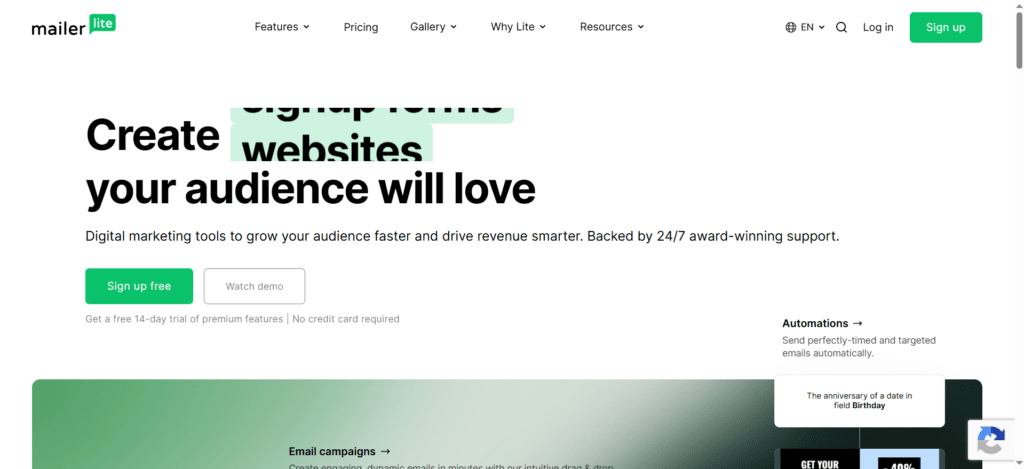
If your main complaint is “Mailchimp got expensive and complicated, and I just want something simpler that works,” MailerLite is the most direct replacement.
- Pricing: Starts around $10/month, roughly half of Mailchimp’s equivalent tier at most list sizes
- Deliverability: Independently tested around 92-95%+ inbox placement, noticeably ahead of Mailchimp’s cited ~82%
- Free plan: 500 subscribers, 12,000 emails/month — and includes automation, which Mailchimp’s free plan barely offers
- Automation: Included from the entry paid plan, not gated behind a much pricier tier
Read our full MailerLite Review 2026 for a complete breakdown of pricing, features, and real-world testing.
Best for: Small businesses, bloggers, and solopreneurs who want a clean, affordable, reliable replacement without a steep learning curve. The visual automation builder rivals platforms costing twice as much.
Trade-off: Smaller integration library than Mailchimp or ActiveCampaign, and no webinar functionality if that’s part of your workflow.
2. Brevo — Best for Large or Partially Inactive Lists
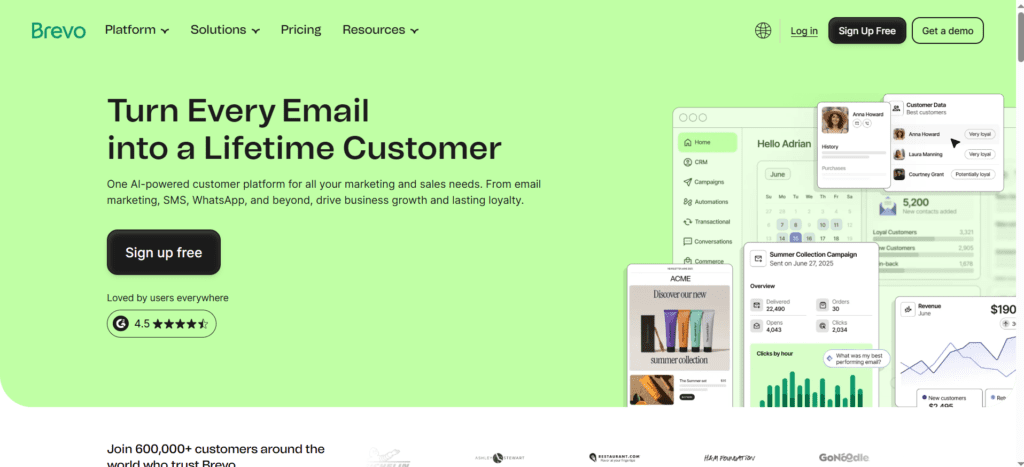
If your specific frustration is “I have thousands of contacts I rarely email, and Mailchimp charges me for all of them anyway,” Brevo’s pricing model is the direct fix.
- Pricing model: Charges based on emails sent, not contacts stored — you can store 100,000 contacts on the free plan and pay nothing until you send
- Free plan: Up to 2,000 contacts (4x Mailchimp’s 500) with automation included — genuinely rare for a free tier
- Multi-channel: Native SMS, WhatsApp, and transactional email under one bill — Mailchimp requires a separate product (Mandrill) for transactional sending
- Real-world example: a 25,000-contact list sending bi-weekly campaigns can cost roughly $29/month on Brevo versus roughly $170/month on Mailchimp
For the full pricing breakdown and migration guidance, see our Brevo vs Mailchimp 2026 comparison.
Best for: Businesses with large lists built up over years that send a handful of campaigns per month, or anyone wanting SMS/WhatsApp/transactional email consolidated with marketing email.
Trade-off: Brevo’s deliverability scores have been noted as somewhat lower than Mailchimp’s in some independent tests — worth monitoring list health closely after switching. Removing Brevo’s branding on the Starter plan also costs an extra ~$10.80/month, which can more than double the effective entry price.
3. Kit (formerly ConvertKit) — Best for Newsletter Writers and Creators
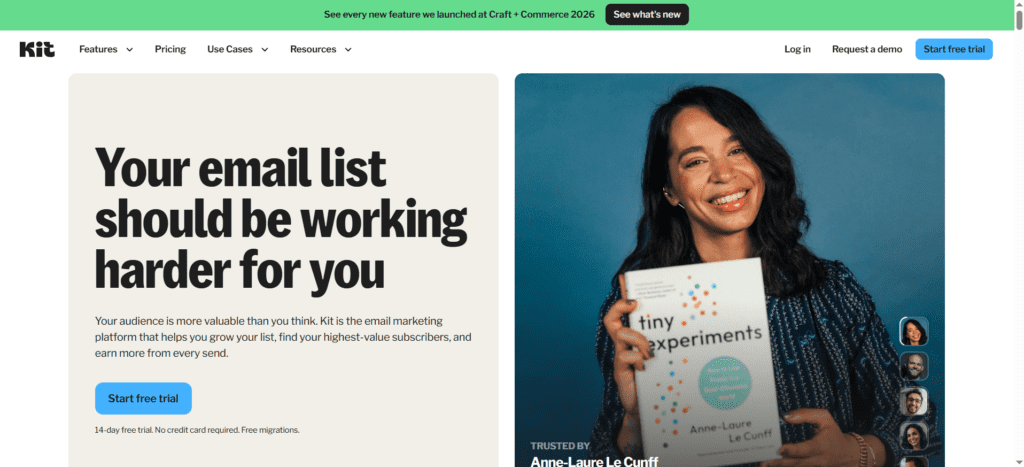
If you’re a blogger, podcaster, or course creator and Mailchimp’s broad “small business marketing platform” features (social ads, postcards, CRM) are things you’ve literally never opened, Kit is built specifically for your use case.
- Free plan: Up to 10,000 subscribers — 20x Mailchimp’s 500-contact limit — with unlimited sends, landing pages, and forms
- Built-in commerce: Sell digital products, paid newsletter subscriptions, and access the Creator Network for cross-newsletter referrals, all without a separate checkout platform
- Subscriber billing: Only bills for active subscribers — unlike Mailchimp, which can count unsubscribed contacts toward your limit
Important caveat: Kit raised prices significantly in September 2026. See our ConvertKit vs Mailchimp 2026 comparison for the real numbers before switching.
Best for: Newsletter-first creators who want list growth, automation, and monetization in one focused tool, and who can make full use of the free plan’s 10,000-subscriber ceiling before paying anything.
Trade-off: Once you need the paid Creator plan, it costs more than Mailchimp’s equivalent tier ($33+/month vs Mailchimp’s ~$13-26/month range), and email design is intentionally minimal (around 15 templates) — if you want highly designed HTML emails, this isn’t the platform for that.
4. ActiveCampaign — Best for Deeper Automation and CRM
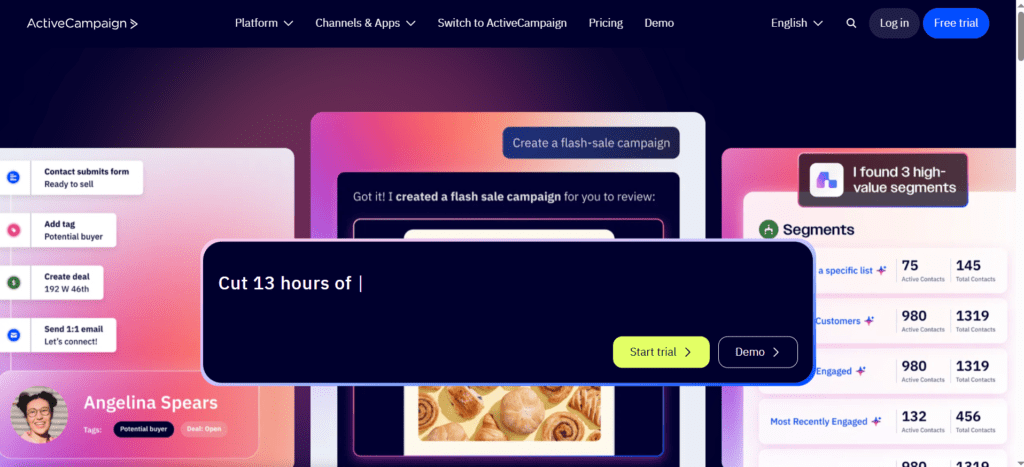
If Mailchimp’s automation feels limiting — you’ve hit the ceiling of what 1-step or even multi-step workflows can do, and you wish your email tool could also track sales pipeline activity — ActiveCampaign is the natural upgrade.
- Automation depth: Conditional branching, predictive sending, and advanced segmentation that goes well beyond Mailchimp’s Standard-tier automation
- Built-in CRM: Deal pipelines, lead scoring, and task management — commonly used as a lightweight standalone CRM replacement
- Entry pricing: Starts around $15/month, with more genuine automation included at entry than many competitors
Read our full ActiveCampaign Review 2026 for hands-on testing of automation workflows and CRM features.
Best for: Businesses with a sales process — leads, deals, follow-ups — where marketing automation needs to respond to sales activity, and where Mailchimp’s “Marketing CRM” never felt like a real CRM.
Trade-off: Steeper learning curve than Mailchimp, no free plan, and pricing climbs more steeply than most alternatives at large contact counts (50,000+).
5. GetResponse — Best for Webinars, Funnels, and Course-Selling
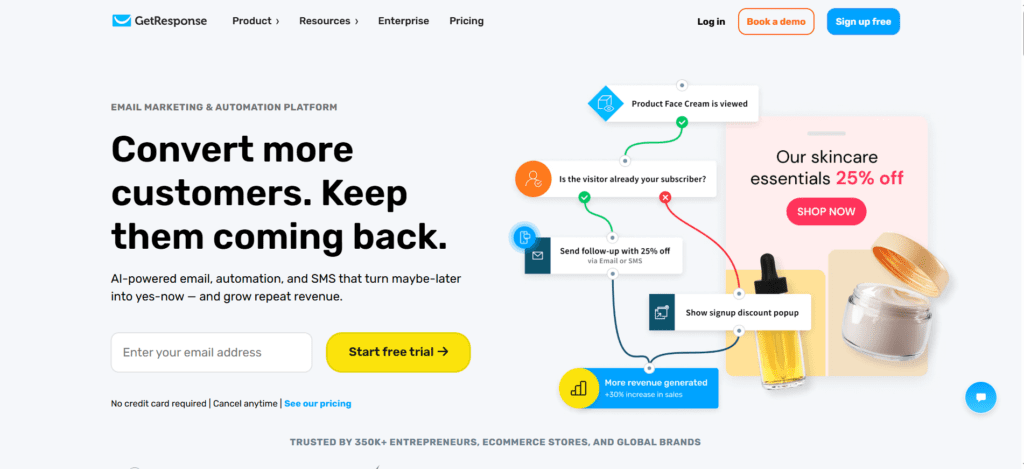
If you’ve been paying for Mailchimp plus a separate webinar tool plus a separate funnel builder plus a separate course platform, GetResponse consolidates all of that into one subscription.
- Native webinars: Up to 100 attendees on the Marketer plan, integrated with email automation for promotion and follow-up
- Conversion funnels: Built-in funnel templates for lead generation and sales, something Mailchimp doesn’t offer natively
- AI tools: Campaign generators, subject line generators, and AI-built landing pages from setup-question answers
For a detailed breakdown including the pricing trap to avoid on GetResponse’s Starter plan, see our MailerLite vs GetResponse 2026 comparison.
Best for: Course creators, coaches, and anyone running webinar-driven funnels who wants tool consolidation over Mailchimp’s broader-but-shallower feature set.
Trade-off: The entry Starter plan includes only 1 automation workflow — to get GetResponse’s real value (webinars, funnels, full automation), you need the Marketer plan at roughly $59/month, a 3x jump from Starter.
6. Omnisend — Best for Ecommerce Stores
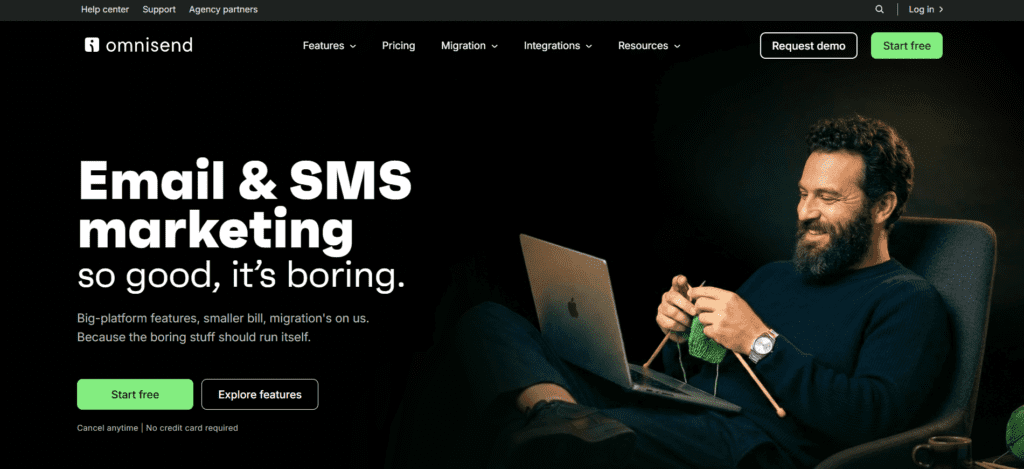
If you run a Shopify or WooCommerce store and Mailchimp’s ecommerce automation has felt like an afterthought compared to its general marketing features, Omnisend was built specifically around revenue attribution and store integration.
- Native ecommerce automation: Abandoned cart recovery, order confirmations, and product recommendations built around store data, not bolted on
- Multi-channel: Email, SMS, and push notifications in unified automation workflows, designed around the customer’s shopping journey
- Revenue reporting: Direct attribution from campaigns and automations to actual store revenue, which Mailchimp’s ecommerce reporting doesn’t match as precisely
Read our full Omnisend Review 2026 for hands-on testing of ecommerce automation and revenue recovery.
Best for: Online stores where email marketing’s primary job is recovering lost sales (abandoned carts, browse abandonment) and driving repeat purchases — not general newsletters.
Trade-off: Less useful if you’re not running an online store — the platform’s strengths are specifically ecommerce-oriented, so a content blog or service business won’t get as much value from it as a dedicated email-first tool would provide.
Quick Decision Guide: Which Alternative Matches Your Situation?
- “I just want something simpler and cheaper that works” → MailerLite
- “My list is huge but I barely send to it” → Brevo
- “I’m a creator/blogger and want to sell digital products” → Kit
- “I need real automation and a CRM” → ActiveCampaign
- “I run webinars/courses and want everything in one platform” → GetResponse
- “I run an ecommerce store” → Omnisend
How to Actually Migrate Away From Mailchimp
Step 1: Clean Your List Before You Export
Before exporting your Mailchimp audience, remove contacts who haven’t opened an email in 12+ months. This does two things: it improves your sender reputation on the new platform from day one, and it gives you an accurate picture of what your real costs will look like on a platform that charges differently (especially important if you’re considering Brevo’s send-based pricing).
Step 2: Export Contacts, Tags, and Segments
All the platforms above support standard CSV import/export for contact data, tags, and segment definitions. This part of the migration is usually straightforward and takes minutes, not hours.
Step 3: Rebuild Automations and Templates (Don’t Expect a Direct Import)
This is the step people underestimate. Email templates and automation workflows generally need to be rebuilt in the new platform’s editor — the formats aren’t directly compatible between providers. Budget a few hours for this, prioritizing your highest-value automations (welcome sequences, abandoned cart, re-engagement) first and less critical ones later.
Step 4: Set Up Domain Authentication Immediately
Whatever platform you choose, set up SPF, DKIM, and DMARC for your sending domain before your first campaign. This is the single biggest factor in deliverability — more than the platform itself — and it’s often skipped during migrations when people are focused on getting templates rebuilt.
Step 5: Run Both Platforms in Parallel for One Send Cycle
Don’t cancel Mailchimp the moment you’ve set up the new platform. Send your first 1-2 campaigns from the new platform while keeping Mailchimp active (even on a downgraded plan), so you have a fallback if something doesn’t work as expected — a broken automation or a deliverability dip in week one is far easier to fix with a safety net than without one.
The Hidden Costs Comparison: What the Pricing Pages Don’t Show
One pattern that comes up repeatedly when comparing Mailchimp against any alternative: the headline price rarely matches what you’ll actually pay, on either side. Before you commit to a switch, check these specifically.
Multi-User Seats
Mailchimp’s lower tiers often limit you to a single user seat, with additional team members costing extra. If you have a small marketing team, factor this into your comparison — some alternatives (MailerLite’s Advanced plan, for example) include unlimited users at a lower total cost than Mailchimp plus seat add-ons.
A/B Testing and Advanced Segmentation
On Mailchimp, A/B testing and advanced segmentation are typically locked behind Standard and Premium tiers. When comparing prices, make sure you’re comparing the tier that actually includes the features you use — not Mailchimp’s cheapest tier against a competitor’s mid-tier.
Overage Fees
If your list grows mid-billing-cycle and crosses a contact threshold, Mailchimp can apply overage fees rather than waiting until renewal to bump you to the next tier. This is a common source of “why did my bill jump unexpectedly” complaints, and it’s worth checking how each alternative handles mid-cycle growth — some apply the new tier at renewal, others charge overages similarly.
Branding Removal
Most platforms remove their branding from emails on paid plans by default — but not all. Brevo’s Starter plan, for instance, charges an additional ~$10.80/month specifically to remove “Sent via Brevo” branding, which can more than double the effective entry price if you’re sending to customers rather than just a personal list.
Transaction Fees on Built-In Selling
If you’re switching specifically for built-in product-selling (Kit’s commerce tools, for example), check the transaction fee — Kit takes 3.5% + $0.30 per sale. For a creator selling a handful of digital products per month, this is negligible. For someone doing meaningful volume, it’s worth comparing against a dedicated checkout platform’s fees plus the cost of integrating it separately.
Final Verdict
“Best Mailchimp alternative” isn’t a single answer in 2026 — it’s a routing question. The honest first step is identifying which specific Mailchimp pain point is driving you to look elsewhere, because that pain point points almost directly at the right alternative.
If you’re not sure yet, start with MailerLite — its free plan and low entry price make it the lowest-risk way to test whether “simpler and cheaper” solves your problem before investing time in a more specialized platform. If after a month you find yourself wishing for webinars, deeper automation, ecommerce-specific tools, or send-based pricing for a large list, that’s your signal for which specialized alternative to evaluate next.
Whatever you choose, don’t let the migration itself be the reason you stay on a platform that’s costing you more than it should — the data export is the easy part, and a weekend of rebuilding templates is a small price for a meaningfully lower monthly bill going forward.
Related Reading
- Best Email Marketing and Automation Tools 2026 (full roundup)
- Mailchimp Review 2026
- Brevo vs Mailchimp
- MailerLite Review 2026
1. What is the best Mailchimp alternative overall?
There’s no single best alternative — it depends on why you’re leaving. MailerLite is the best overall starting point for most small businesses (simpler, cheaper, better deliverability). Brevo is best for large or partially inactive lists due to its send-based pricing. Kit is best for creators selling digital products. ActiveCampaign is best for deeper automation and CRM needs.
2. Which Mailchimp alternative is cheapest for a large contact list?
Brevo, in most cases. Because Brevo charges based on emails sent rather than contacts stored, a large list (20,000+) that’s sent to only a few times per month can cost dramatically less than Mailchimp’s contact-based pricing — sometimes 50-80% less for lists with significant inactive contacts.
3. Which Mailchimp alternative has the best deliverability?
MailerLite has been independently tested at around 92-95%+ inbox placement, notably ahead of Mailchimp’s cited ~82% in some tests. Deliverability also depends heavily on your own list hygiene and sending practices, regardless of platform.
4. Is it hard to migrate from Mailchimp to another platform?
Contact data, tags, and segments export and import via CSV relatively easily across all major platforms. The more time-consuming part is rebuilding email templates and automation workflows, since these formats aren’t directly compatible between providers. Budget a few hours for rebuilding your highest-priority automations first.
5. Which Mailchimp alternative is best for ecommerce?
Omnisend is purpose-built for ecommerce, with native abandoned cart recovery, product recommendations, and revenue attribution tied directly to Shopify/WooCommerce data. Klaviyo is another strong ecommerce-focused option. GetResponse and Brevo also include ecommerce features but with less depth than dedicated platforms.
6. Does Kit (ConvertKit) have a better free plan than Mailchimp?
Yes, significantly. Kit’s free Newsletter plan supports up to 10,000 subscribers (20x Mailchimp’s 500-contact free limit) with unlimited sends, landing pages, and forms. However, Kit’s paid Creator plan costs more than Mailchimp’s equivalent tier after Kit’s September 2025 price increase.
7. Why does Mailchimp charge for unsubscribed contacts?
On certain Mailchimp plans, your contact limit includes unsubscribed and unconfirmed contacts, not just active subscribers — meaning you can pay for storage of people who will never receive another email. Most alternatives (Kit, Brevo, MailerLite) bill only for active subscribers or based on send volume instead.
8. Should I switch from Mailchimp if I’m happy with it?
Not necessarily. If your costs are manageable, your automation needs are met, and deliverability is good, switching introduces migration work for marginal benefit. The strongest reasons to switch are a specific, ongoing pain point: rising costs disproportionate to your usage, automation limitations you’ve outgrown, or deliverability issues you can verify through your own open rates.

About the Author
Ashish Yadav — Founder & Engineer, CognifyFuture
I’m a software engineer and AI tools researcher with 5 years of hands-on experience testing automation and AI platforms. Every review on this site is based on real, hands-on use — not repackaged spec sheets.
Reviewed and fact-checked for accuracy as of July 2026.




I am Ashish Yadav a software engineer and AI tools researcher with over five years of practical experience working with real-world systems and automation. I am founder of CognifyFuture, where I analyzes, tests, and breaks down AI tools with a focus on what actually works—not what’s trending.
My content is built on hands-on usage, not theory. Instead of generic advice, I focuses on real implementation—how AI tools can be used to automate tasks, improve efficiency, and solve any specific business or individual problems.
Through CognifyFuture, My aims is to eliminate confusion around AI by delivering clear, honest, and actionable insights that help users make smarter technology decisions.







