
Have you ever spent hours designing slides only to feel they still look average?
What if your presentation could be created in minutes—well-structured, visually stunning, and audience-ready?
That’s exactly where AI tools for Presentation are changing the game in 2026.
From startups pitching to investors to professionals preparing boardroom decks, AI-powered presentation tools now automate design, content structuring, and even storytelling. In this guide, we’ll explore the best AI tools for presentation, focusing on Gamma App, Slidespeak, and MagicSlides, and help you choose the right one for your needs.
Why AI Tools for Presentation Are Essential in 2026
The Real Problem With Presentations Today
Let me be honest.
Creating a presentation is not hard.
But creating a:
- Well-structured
- Visually clean
- Professional-looking
- Content-rich
presentation in under 1 hour?
That’s where most people struggle.
Instead of reviewing 20 tools superficially, I went deep with just three:
- Gamma
- Slidespeak
- MagicSlides
I tested them for:
- Startup pitch deck
- College assignment
- PDF to PPT conversion
- Blog post to presentation
- Export quality
- Editing flexibility
Here’s what I found.
What Problem Do AI Presentation Tools Actually Solve?
Before comparing tools, let’s clarify something important.
Most people don’t struggle with PowerPoint itself.
They struggle with:
- Structuring content logically
- Designing clean layouts
- Writing concise slide text
- Converting reports into slides
- Summarizing long documents
AI presentation tools solve:
- Content generation
- Slide structuring
- Basic design automation
- Fast conversion (PDF → PPT)
But they do NOT completely replace human thinking.
Key Benefits of Using AI Presentation Tools
- Key Benefits of Using AI Presentation Tools
- Save up to 70% time on slide creation
- Auto-generate professional designs
- Smart content structuring and summaries
- Convert documents, text, or ideas into slides
- Ideal for business, education, and creators
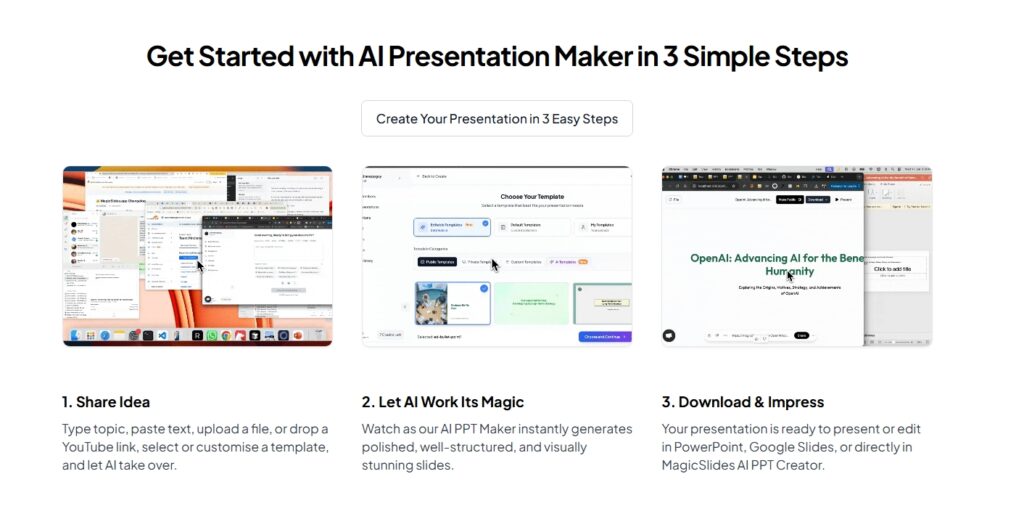
Stat Insight: According to productivity studies, professionals spend an average of 6–8 hours per presentation. AI tools for presentation reduce this to 30–60 minutes.
Best AI Tools for Presentation (Quick Comparison)
| Tool Name | Best For | Input Type | Export Options |
| Gamma App | Story-based presentations | Text prompts | Web, PDF |
| Slidespeak | Business & document-based slides | Docs, PDFs | PowerPoint |
| MagicSlides | Google Slides automation | Text & topics | Google Slides |
Now let’s test each tool practically.
Gamma App – AI-Powered Storytelling Presentations
What is Gamma App?
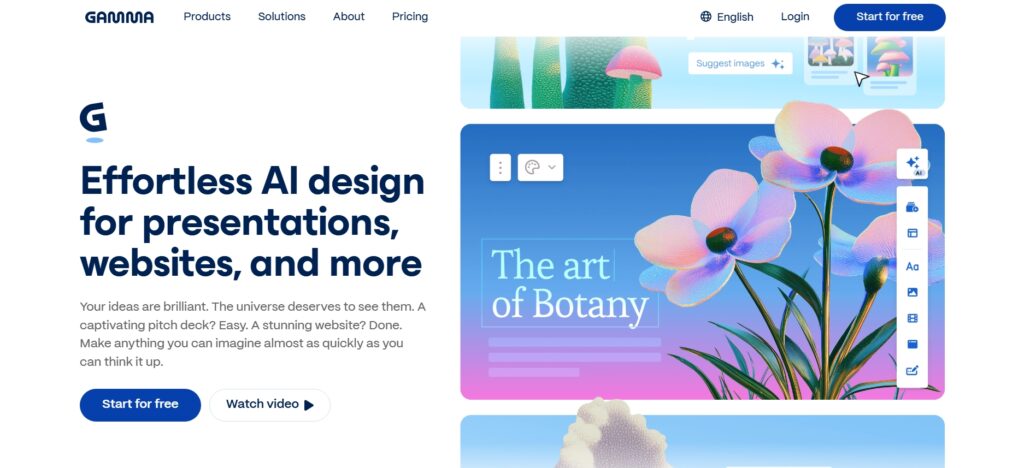
Gamma App is one of the most advanced AI tools for Presentation focused on storytelling, visuals, and modern layouts. Instead of traditional slide-by-slide creation, Gamma builds narrative-driven decks automatically.
Read Detailed Real World Practical Guide of Gamma App Click Here
Key Features
- AI-generated slide structure
- Beautiful layouts without manual design
- No PowerPoint skills required
- Interactive and web-based presentations
Real Use Case
A startup founder used Gamma App to create a pitch deck in under 20 minutes, replacing a 2-day design process—and successfully closed seed funding.
Pros
- Modern & interactive design
- Great for founders, marketers, creators
- Very fast
- Clean layouts
- Great for storytelling
- No design skill needed
Cons
- Limited traditional PPT animations
- PPT export formatting is not perfect
- Less traditional slide control
- Limited deep customization
Best For: Startups, product launches, storytelling presentations
Slidespeak – Turn Documents into Presentations with AI
What is Slidespeak?
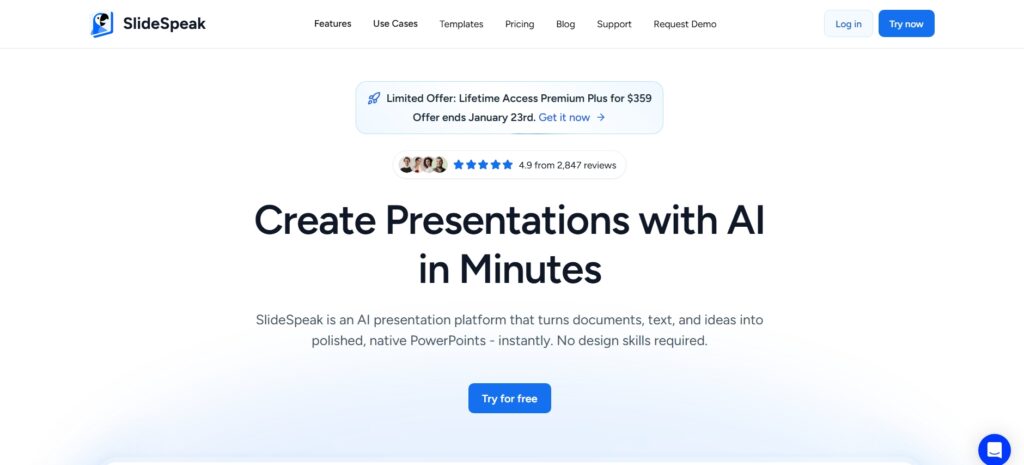
Slidespeak is a practical AI presentation tool that converts documents, reports, and PDFs into structured slides—perfect for business and corporate use.
Key Features
- Upload Word, PDF, or text files
- AI summarizes long documents
- PowerPoint-ready exports
- Ideal for corporate decks
My Practical Test
Test 1: 20-Page Research PDF
Pros
- Business-focused output
- Strong summarization
Cons
- Less creative design than Gamma
Best For: Consultants, managers, corporate professionals
MagicSlides – AI Presentation Tool for Google Slides Users
What is MagicSlides?
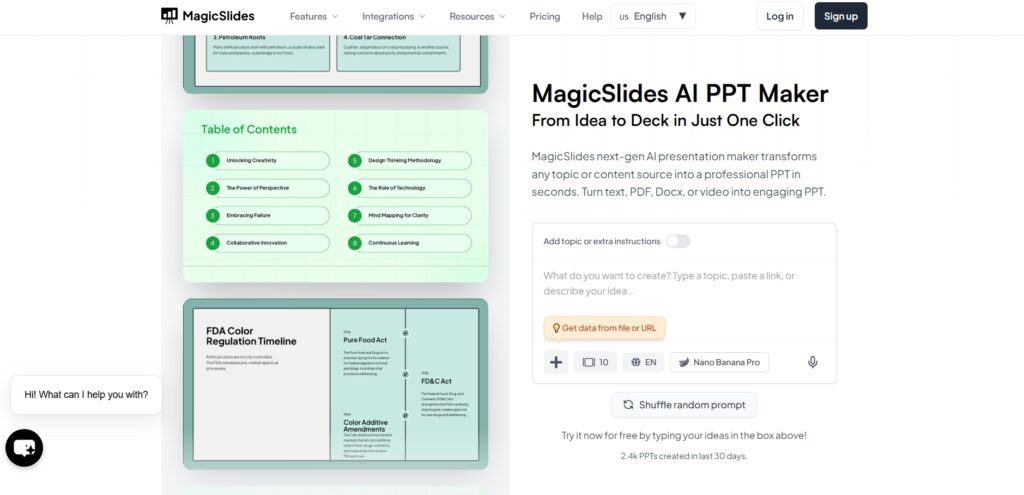
MagicSlides is an AI-powered add-on designed specifically for Google Slides, making it one of the most accessible AI tools for Presentation.
Key Features
- Works inside Google Slides
- Generate slides from topics or text
- Fast and beginner-friendly
- Ideal for students and educators
Real Example
A teacher used MagicSlides to create a 15-slide lesson plan in 5 minutes, saving hours every week.
Pros
- Seamless Google Slides integration
- Affordable pricing
Cons
- Limited customization for advanced users
Best For: Students, teachers, freelancers
How to Choose the Right AI Tool for Presentation
Ask Yourself These Questions
- Do I need storytelling or business slides?
- Do I work in Google Slides or PowerPoint?
- Am I converting documents or starting from scratch?
Quick Recommendation
- Creative storytelling: Gamma App
- Corporate & reports: Slidespeak
- Education & Google Slides: MagicSlides
Best Practices to Use AI Tools for Presentation Effectively
- Always review AI-generated content
- Add your brand voice and visuals
- Keep slides minimal and readable
- Use AI as an assistant—not a replacement
Conclusion
AI tools for Presentation are redefining how we create slides in 2026. Whether you’re pitching ideas, teaching students, or presenting business insights, tools like Gamma App, Slidespeak, and MagicSlides can save time while delivering professional results.
1.What are AI tools for Presentation?
AI tools for presentation use artificial intelligence to automatically create, design, and structure slides from text or documents.
2.Which is the best AI presentation tool in 2026?
Gamma App, Slidespeak, and MagicSlides are among the best AI tools for presentation depending on your use case.
3.Can AI create PowerPoint presentations?
Yes. Tools like Slidespeak export AI-generated slides directly to PowerPoint format.
4.Are AI presentation tools free?
Most offer free trials with paid plans for advanced features.
5.Are AI-generated presentations professional?
Yes, especially for business, education, and startups when reviewed and customized.
6.Is Gamma App better than PowerPoint?
Gamma App focuses on storytelling and modern layouts, while PowerPoint offers traditional control.
7.Can students use AI tools for presentations?
Absolutely. MagicSlides is especially popular among students and educators.
8.Do AI presentation tools work offline?
Most AI tools for presentation are cloud-based and require internet access.