
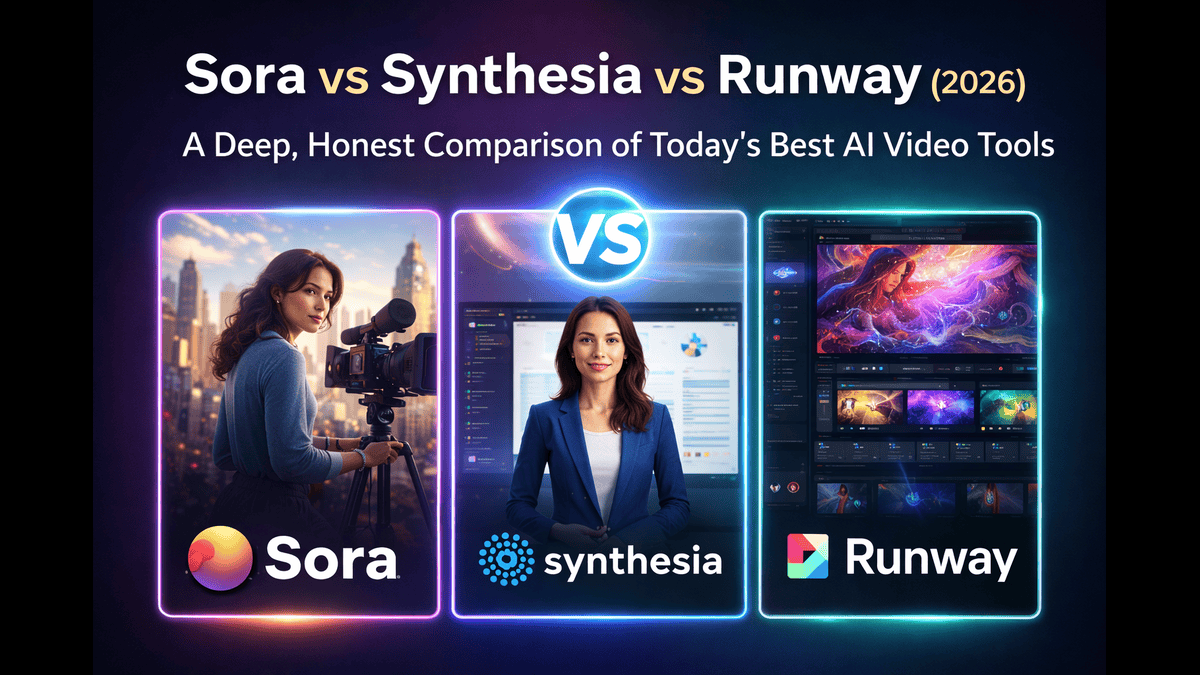
Sora vs Synthesia vs Runway is one of the most important Video Editing AI Tools today—and not because one tool is “better” than the others, but because each one solves a completely different problem.
AI video creation has reached a point where:
- You no longer need cameras or studios
- You can generate videos using plain text
- Video production time has dropped from days to minutes
But here’s the catch: choosing the wrong AI video tool can cost you time, money, and creative freedom.
Are you trying to:
- Generate cinematic, story-driven videos from text?
- Create professional presenter-led videos without hiring actors?
- Edit, remix, and stylize videos for content creation?
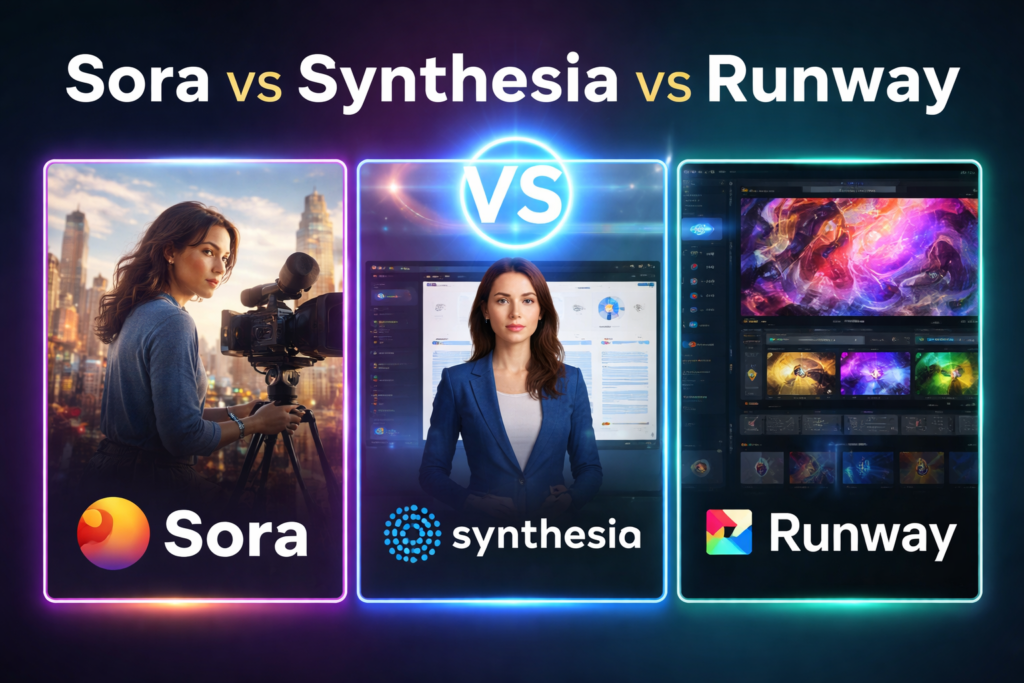
Each of these goals requires a different AI video engine.
In this detailed guide, we’ll break down Sora vs Synthesia vs Runway across:
- Core technology
- Video quality
- Control and flexibility
- Pricing and value
- Real-world use cases
- Strengths, weaknesses, and ideal users
Let’s dive into the ultimate AI video comparison.
Understanding the Core Philosophy of Each Tool
Before comparing features, it’s important to understand what each platform was built for.
Sora: AI as a Video World Simulator
Sora is not just a video generator—it’s a world simulation model.
Instead of stitching clips together, Sora tries to understand how the real world works and then generate video accordingly.
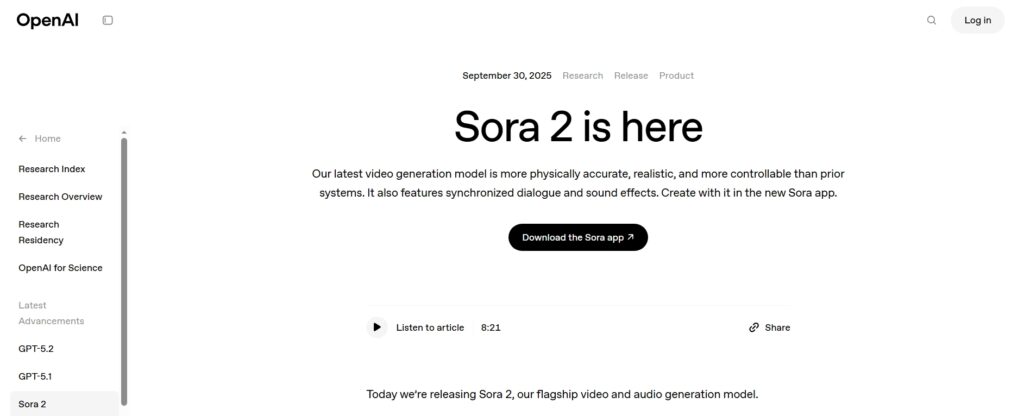
It interprets:
- Physics
- Motion
- Camera movement
- Object interaction
- Lighting and depth
This makes Sora fundamentally different from traditional AI video tools.
Synthesia: AI as a Virtual Presenter
Synthesia is built around a single idea:
👉Turn scripts into professional presenter-led videos as fast as possible.

It replaces:
- On-camera presenters
- Recording studios
- Retakes and reshoots
Synthesia focuses on clarity, consistency, and professionalism, not cinematic creativity.
Runway: AI as a Creative Toolkit
Runway treats AI as a creative assistant, not a replacement.
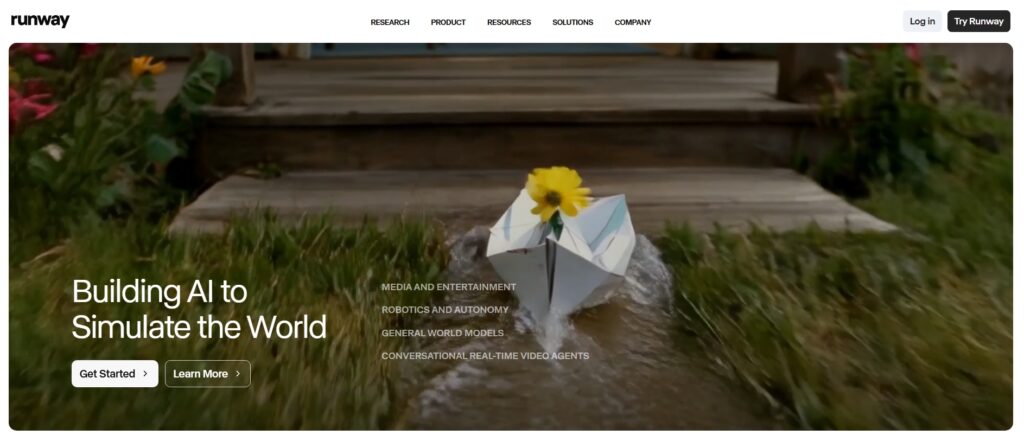
It allows creators to:
- Generate clips from text
- Edit videos using AI
- Apply effects and transformations
- Control outputs frame by frame
Runway is closer to a creative studio powered by AI.
Sora vs Synthesia vs Runway (Real World Use Case and Practical Comparison)
Real World Use Case of Sora by Creating a Cinematic AI Scene
My Goal is to Create a 5-second cinematic drone shot of a futuristic city.
Sora Workflow: how I Create Video
- I Write detailed prompt
- Add camera movement description
- Generate video
- Wait for processing
Prompt I use in Sora.
“A cinematic drone shot flying slowly through a futuristic city at sunset, tall glass skyscrapers reflecting orange and purple light, realistic shadows, natural motion blur, ultra-realistic lighting, shallow depth of field, smooth camera movement, 4K cinematic quality.”
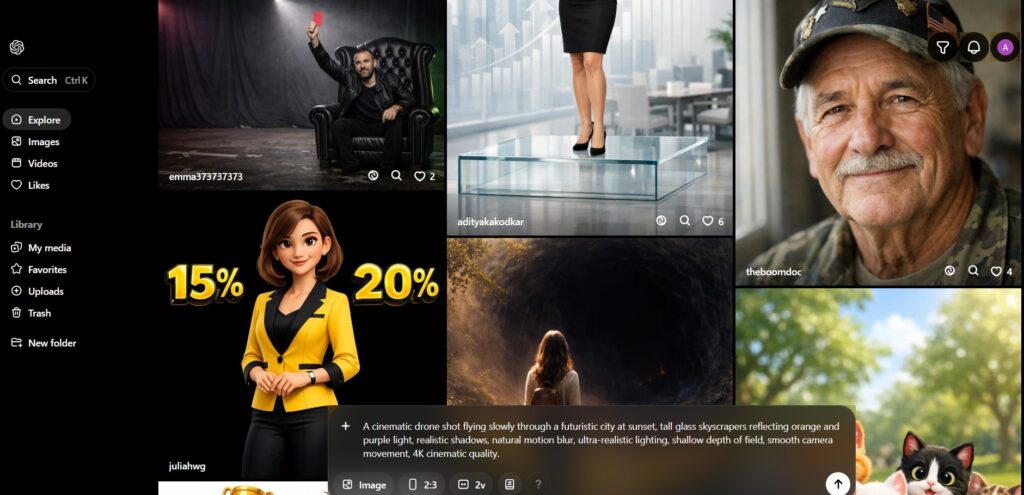
The output looks shockingly realistic. Camera motion feels natural. Lighting behaves like real-world physics. Reflections and shadows make the scene feel filmed, not animated.
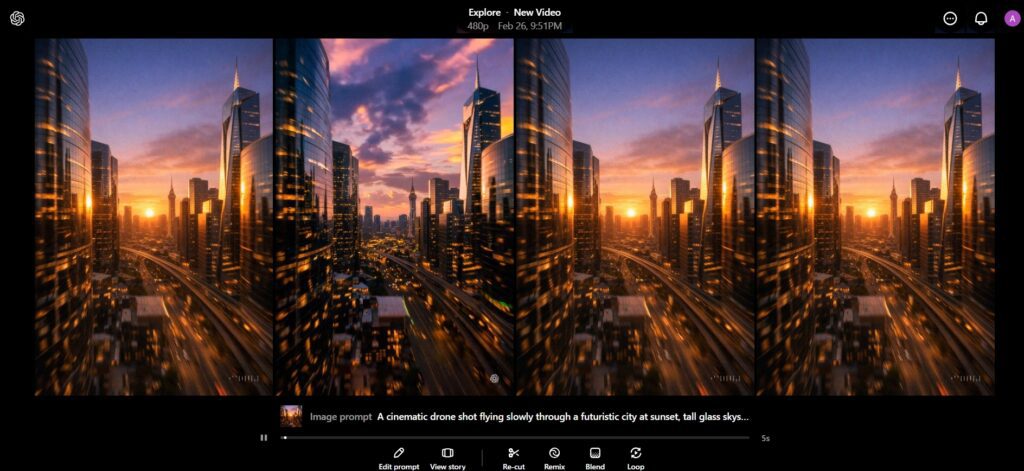
- Output looks extremely realistic.
- Lighting, physics, reflections feel natural.
- Generation time is slower compared to others.
- You don’t get editing timeline tools.
Practical limitations I notice while generating. We cannot easily trim, rearrange scenes, or add text inside Sora. This is a generation engine, not a full editor. It is slower than avatar-based tools.
Best real-world use are Cinematic storytelling, short films, premium YouTube intros, AI B-roll for documentaries.
Reality Check of Sora:
Sora is amazing for:
- Storytelling
- Short films
- High-quality B-roll
But not ideal for:
- Talking head videos
- Corporate explainers
- Fast production needs
Synthesia Real World Use Case and Comparison by Creating a Talking Head Explainer Video
I want to Create a 30 second professional training or explainer video without camera or microphone.
Step by Step Synthesia Workflow to Create Video:
- Choose avatar
- Paste script
- Select language
- Choose background
- Export


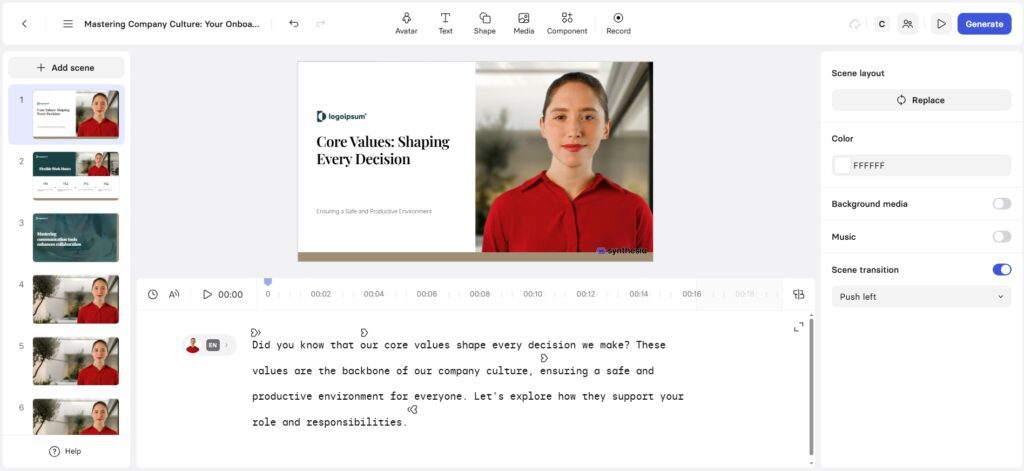
Prompt I use in Synthesia.
“Welcome to the employee onboarding session. In this video, we will walk through our company policies, working hours, and communication guidelines. By the end of this session, you will understand how to collaborate effectively with your team.”
- Video generation is fast.
- Avatar lip-sync is accurate.
- No need for camera, mic, lighting.
- Templates make it easy.
But…
- Background scenes are static.
- Not cinematic.
- Creativity is limited to presentation style.
Reality Check of Synthesia:
Synthesia is built for:
- Corporate training
- Educational content
- LinkedIn business videos
- Client presentations
It is NOT built for:
- Cinematic storytelling
- Creative YouTube automation
- Artistic filmmaking
Runway Real World Use Case and Comparison by Creating YouTube B-Roll & Creative Content
I Test this to Generate 10-second motivational B-roll for YouTube.
Runway Workflow:
- Enter text prompt
- Select style
- Generate clip
- Use built-in editor
- Export
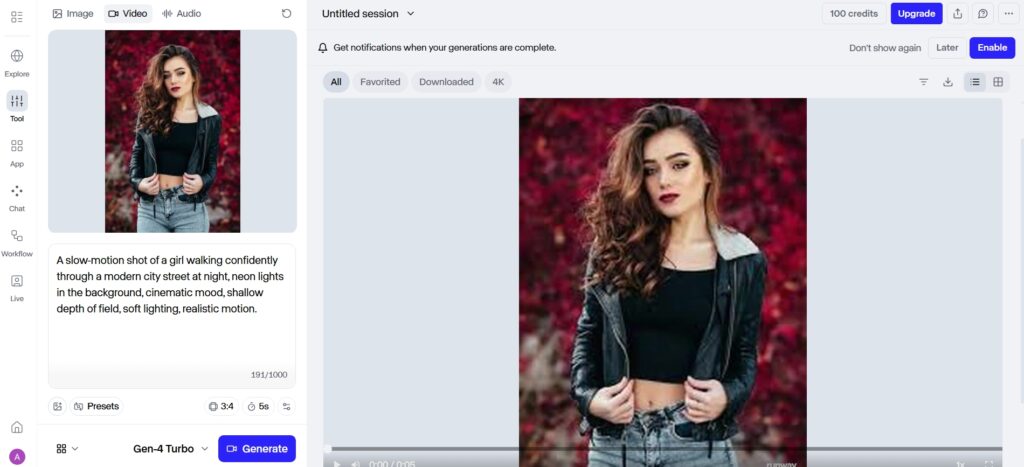
Prompt I Used in Runway:
“A slow-motion shot of a girl walking confidently through a modern city street at night, neon lights in the background, cinematic mood, shallow depth of field, soft lighting, realistic motion.”
- Quality is good but slightly less realistic than Sora.
- Faster iteration.
- Editing tools inside platform.
- Background removal tool is powerful.
- Good for social content creators.
- The video looks good and usable. It’s not as realistic as Sora, but generation is faster. You can regenerate variations quickly.
Extra practical advantage.
You can immediately edit the clip, remove backgrounds, extend frames, or combine multiple AI clips inside Runway itself.
Reality Check of Runway:
Runway is ideal for:
- YouTube creators
- Instagram reels
- Creative experimentation
- Video editors who want AI tools
Sora vs Synthesia vs Runway: Technology Comparison
AI Model Approach
Sora
- Large-scale generative video model
- Scene-level understanding
- Long video continuity
Synthesia
- Speech synthesis + avatar animation
- Facial movement mapping
- Script-driven output
Runway
- Multiple specialized AI models
- Video-to-video transformation
- AI-assisted editing
Key takeaway:
Sora generates worlds, Synthesia generates presentations, Runway enhances creative workflows.
Video Quality & Visual Realism
Sora Video Output Quality
Sora produces:
- Smooth camera motion
- Natural human and object movement
- Realistic lighting and shadows
- Continuous multi-second scenes
This makes it ideal for:
- Concept films
- Visual storytelling
- High-end AI demonstrations
However, realism comes with less direct control.
Synthesia Video Output Quality
Synthesia videos are:
- Stable and predictable
- Presenter-focused
- Designed for clarity, not immersion
The avatars are realistic but intentionally restrained.
There are no dramatic angles, fast cuts, or dynamic scenes.
This consistency is exactly why businesses trust it.
Runway Video Output Quality
Runway offers:
- Stylized AI-generated clips
- Video enhancements
- Effects-driven visuals
While it may not reach Sora’s realism, it gives creators:
- More creative freedom
- Editable outputs
- Practical control
Control, Customization & Flexibility
Sora Control Level
- Prompt-based control only
- No timeline editing
- Limited fine-tuning
Best for: Vision-driven creators who trust AI interpretation.
Synthesia Control Level
- Script editing
- Avatar selection
- Language and voice options
Best for: Structured communication and repeatable formats.
Runway Control Level
- Runway Control Level
- Timeline editing
- Layer-based effects
- Prompt + manual adjustments
Best for: Creators who want AI and control.
Ease of Use & Learning Curve
| Tool | Learning Curve | Best For |
|---|---|---|
| Sora | High | Advanced users |
| Synthesia | Very Low | Beginners & teams |
| Runway | Medium | Creators & editors |
Synthesia wins on simplicity.
Runway wins on balance.
Sora demands experimentation.
Other Detailed Use Case Analysis
Content Creation
- Runway: Best for regular video content
- Sora: Best for experimental visuals
- Synthesia: Not ideal for creative content
Training & Education
- Synthesia dominates due to consistency
- Easy updates without re-recording
- Clear delivery across formats
Marketing & Promotion
- Synthesia for explainer videos
- Runway for ads and campaigns
- Sora for concept visuals
Film & Creative Direction
- Sora for storyboards and ideas
- Runway for editing and post-production
Pricing, Cost Efficiency & ROI
Sora Pricing Overview
- Available through OpenAI plans
- Premium positioning
- Limited availability
ROI depends on usage frequency and access level.
Synthesia Pricing Overview
- Subscription-based
- Higher cost
- Clear value for professional use
ROI is strong for organizations and teams.
Runway Pricing Overview
- Free plan available
- Scalable paid plans
- Affordable for individuals
Best price-to-feature ratio overall.
Pricing vs Capabilities (Practical View)
| Feature | Sora | Synthesia | Runway |
|---|---|---|---|
| Free Plan | ❌ | ✅ Limited | ✅ Limited |
| Cinematic Realism | ⭐⭐⭐⭐⭐ | ⭐⭐ | ⭐⭐⭐⭐ |
| AI Avatar | ❌ | ✅ | ❌ |
| Editing Tools | ❌ | Basic | Advanced |
| Speed | Medium | Fast | Fast |
| Best For | Filmmakers | Businesses | Creators |
Pros & Cons
Sora Pros & Cons
Pros
- Best-in-class realism
- Long-form scene generation
- Strong future potential
Cons
- Limited control
- Learning curve
- Access restrictions
Synthesia Pros & Cons
Pros
- Professional output
- Extremely easy to use
- Reliable and consistent
Cons
- Limited creativity
- No cinematic features
Runway Pros & Cons
Pros
- Creative flexibility
- Editing + AI combined
- Accessible pricing
Cons
- Requires experimentation
- Slight learning curve
Final Verdict: Which AI Video Tool Is Right for You?
Choose Sora if:
- You prioritize realism
- You work with visual storytelling
- You want next-generation AI visuals
Choose Synthesia if:
- You create structured videos
- You value consistency and clarity
- You want fast production with minimal effort
Choose Runway if:
- You create videos regularly
- You want AI + editing tools together
- You value flexibility and affordability
There is no single winner—only the right choice for your workflow.
Conclusion
The Sora vs Synthesia vs Runway comparison proves one thing clearly:
AI video tools are no longer one-size-fits-all.
Each platform excels in a specific area:
- Sora pushes creative boundaries
- Synthesia simplifies professional communication
- Runway empowers modern creators
👉 If you want a safe starting point, Runway offers the most balanced experience.
👉 If clarity matters most, Synthesia delivers consistency.
👉 If imagination leads your work, Sora unlocks the future.
Choose wisely—and let AI work with you, not against you.
1.What makes Sora different from other AI video tools?
What makes Sora different from other AI video tools?
2.Is Synthesia suitable for creative storytelling?
No, it’s designed for structured presenter-style videos.
3.Can Runway replace traditional video editing?
For many workflows, yes—but advanced editing may still need human input.
4.Which tool is best for beginners?
Synthesia is the easiest to start with.
5.Does Sora offer editing features?
No, Sora focuses only on generation.
6.Can these tools be used together?
Yes, many creators combine them for better results.
7.Which tool offers the best long-term value?
Runway offers the best balance of cost and features.
8.Are AI video tools reliable for professional use?
Yes, when chosen correctly for the task.