
Disclosure: This guide may contain affiliate links. If you sign up through them, I may earn a small commission at no extra cost to you. All tools were personally evaluated before writing this.
Can You Really Build Apps Without Coding in 2026?
The answer is yes — but with an important qualifier. In 2026, the best no-code and low-code AI tools can take you from idea to working prototype in hours. Whether it’s a full-stack web app, an automated business workflow, or a polished landing page, AI now handles substantial portions of the logic, UI, and integration work that previously required months of development or an expensive technical team.
What these tools genuinely solve: the gap between having a product idea and being able to test it. A founder who previously needed $50,000 and 3 months to validate an MVP can now spend $50 and 3 days. A business operations manager can automate a 10-step manual document workflow without submitting a ticket to IT. A developer can ship features 2–3× faster without sacrificing code quality. Each of these is a real, measurable outcome happening in teams today.
This guide covers five tools that collectively address the full spectrum of no-code and low-code use cases in 2026: Nanonets for business automation, DeepSite for fast frontend generation, Cursor AI for developer productivity, Lovable for full-stack app building, and Bubble.io for production-grade no-code apps.
Why No Code / Low Code + AI Is Exploding Right Now
The low-code/no-code market was already growing before AI — but AI has fundamentally changed its ceiling. Traditional no-code platforms like the original Bubble required you to understand database design, workflow logic, and UI principles. The new generation of AI-assisted tools lowers that barrier further: you describe what you want in plain language, and the AI generates the structure, logic, and interface. Over 65% of new applications are now built using low-code or no-code platforms, and AI is accelerating that shift even further by expanding what non-technical users can build independently.
The practical drivers are straightforward: a custom web app that cost $30,000–$80,000 to build with a development agency three years ago can now be prototyped for $50–$500 using these tools. That cost reduction doesn’t just save money — it changes what’s commercially viable to test, which compresses product-market-fit discovery from years to months for many startups.
Best AI Tools for No Code / Low Code Development (2026)
Below is a detailed breakdown of the five best AI tools for no-code and low-code development, based on real-world use cases, verified 2026 pricing, and honest assessments of who each tool is actually built for.
1. Nanonets – AI Automation Without Code
Best for: Document automation, workflows, and business processes
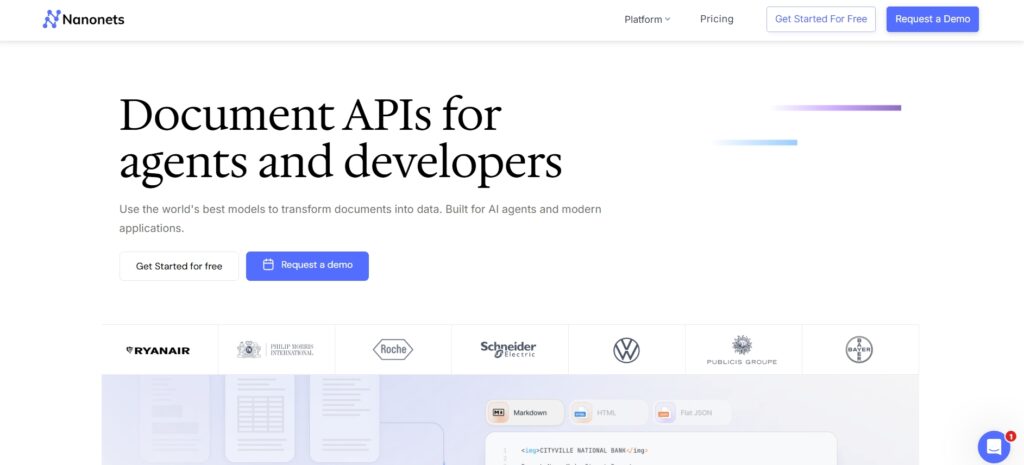
Nanonets is an AI-driven no-code automation platform focused on the specific problem that consumes the most manual time in business operations: processing documents. Invoice approvals, purchase order matching, expense report extraction, KYC document verification, contract data extraction — these are workflows that most businesses handle manually or with expensive custom software. Nanonets replaces that with configurable AI pipelines that read, extract, validate, and route document data without any coding.
Read the full Nanonets AI Review Click Here
Key Features
AI-powered document parsing with support for PDFs, images, handwritten forms, and structured tables. No-code workflow builder for multi-step automation — extract, validate, route, approve, and export without writing code. Native integrations with accounting software (QuickBooks, Xero, SAP), ERP systems, cloud storage, and email platforms. OCR with AI that learns from corrections, improving accuracy over time for your specific document types. Human-in-the-loop review workflows for exceptions that require manual validation before approval.
Nanonets Pricing (2026)
Nanonets uses a transaction-volume pricing model. A free trial is available. Paid plans are based on the number of pages or transactions processed per month — typical entry-level plans start around $499/month for moderate document volumes, scaling with usage. Enterprise pricing is custom. For teams currently paying staff to process documents manually, the ROI calculation is almost always strongly positive: at $499/month, automating 2,000 invoices/month that previously required 100+ person-hours at $25/hour represents approximately $2,000 in labour saved per month against $499 in tool cost.
Pros
- Solves a high-value, high-frequency business problem — document processing ROI is measurable and typically strong
- Strong AI accuracy that improves with use — model learns from your specific document formats
- No-code workflow builder — operations teams can configure and maintain without developer involvement
Cons
- Not a general-purpose app builder — it solves document automation specifically, not UI or full-stack development
- Pricing at scale can be significant — high-volume document processing organisations should model costs carefully
Best for: Finance teams, operations departments, and businesses processing high volumes of documents (invoices, contracts, forms, receipts) who want to eliminate manual data entry without custom development.
2. DeepSite – AI Website & App Generation
Best for: Rapid website and frontend generation
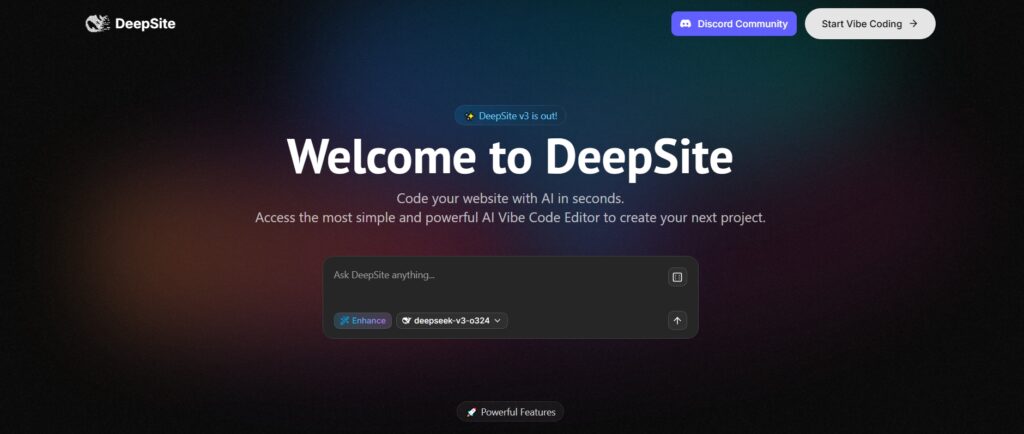
DeepSite is an open-source AI tool hosted on Hugging Face that generates complete, styled HTML/CSS/JavaScript websites and interfaces from text prompts. It’s purpose-built for the speed-first use case: you describe the interface you want and receive a deployed, functional web page in under a minute. It is not a platform with ongoing hosting, a database, or a backend — it generates frontend code that you can deploy anywhere or iterate further.
Key Features
Prompt-based generation of complete HTML/CSS/JavaScript pages from a single text description. Clean, responsive UI layouts that render well across devices out of the box. Fast deployment — generated code can be instantly deployed to Hugging Face Spaces or copied into any hosting environment. Beginner-friendly interface with no account required for basic generation. Open-source codebase for developers who want to self-host or modify the underlying model.
DeepSite Pricing (2026)
DeepSite is free to use via Hugging Face Spaces. For higher usage limits and private deployments, Hugging Face Pro costs $9/month. The tool’s open-source nature means you can also self-host it on your own infrastructure at no ongoing cost beyond compute. This makes it one of the most cost-accessible frontend generation tools available.
Pros
- Free to use — one of the most accessible AI generation tools in the category
- Extremely fast — functional frontend from a prompt in under 60 seconds
- Open source — full code transparency, self-hosting possible
Cons
- Frontend only — no backend, no database, no authentication, no deployment infrastructure
- Limited customisation depth — generated code requires manual editing for complex layouts or brand-specific requirements
Best for: Developers and designers who need a fast HTML/CSS starting point, creators building landing pages or portfolio sites, and anyone who wants to generate a quick visual prototype to test a layout concept without spending hours on boilerplate.
3. Cursor AI – Low Code for Developers
Best for: Developers who want AI-assisted coding
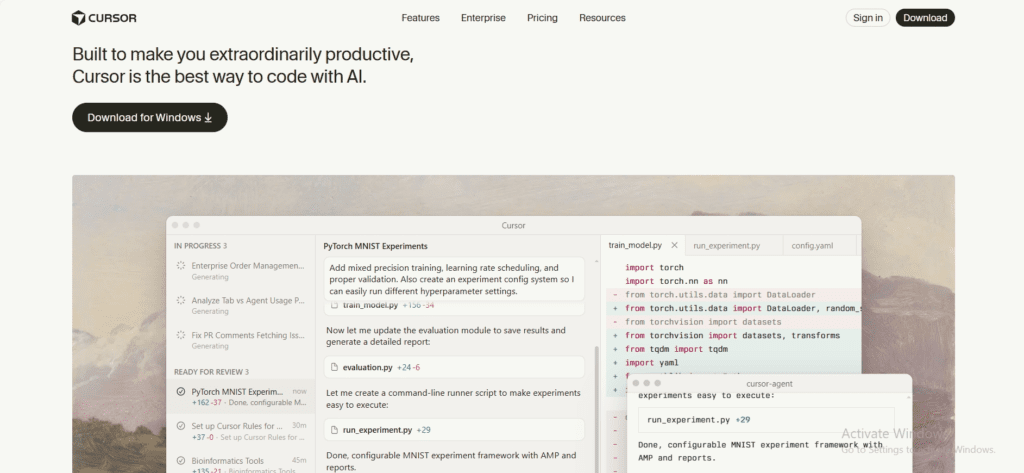
Cursor AI is an AI-native code editor built on VS Code that understands your entire codebase — not just the file you’re currently editing. This distinction matters: most AI coding assistants offer line-level completion without context about the broader project. Cursor’s Composer and Chat features can reference multiple files, understand architectural patterns, and generate changes that span the whole codebase correctly. It’s AI-powered low-code designed for developers who want to maintain full code ownership while moving significantly faster.
Read the full Cursor AI Review Click Here
Key Features
AI-assisted code generation with full codebase context — generates code that fits your existing patterns and architecture, not just isolated snippets. Context-aware suggestions and autocomplete that understand function signatures, API interfaces, and data models across the project. Composer for multi-file edits — describe a feature in natural language and Cursor identifies and edits all the relevant files simultaneously. Chat interface for debugging, refactoring, and explaining code with specific file and function references. Works with any language or framework — Python, JavaScript, TypeScript, Go, Rust, and more across React, Next.js, FastAPI, Django, and any other stack.
Cursor AI Pricing (2026)
| Plan | Price | Key Inclusions |
|---|---|---|
| Hobby (Free) | $0 | 2,000 completions/month, 50 slow requests, limited Composer |
| Pro | $20/month | Unlimited completions, 500 fast requests/month, full Composer, priority support |
| Business | $40/user/month | All Pro features + team management, admin controls, SSO, centralised billing |
Pros
- 2–3× developer productivity gain — measurable across most projects after a few days of use
- Full codebase context — unlike GitHub Copilot’s line-level completion, Cursor understands the whole project
- VS Code compatible — zero workflow disruption, uses existing extensions and keybindings
Cons
- Requires coding knowledge — not suitable for non-developers, unlike the other tools on this list
- Fast request limits on Pro can be exhausted by heavy users during intensive development sessions
Best for: Software developers who want AI acceleration without sacrificing code quality or architectural control. Particularly valuable for full-stack engineers, solo developers, and small engineering teams where development speed is the primary constraint.
4. Lovable – AI That Builds Full-Stack Apps
Best for: Founders building full-stack apps without heavy coding
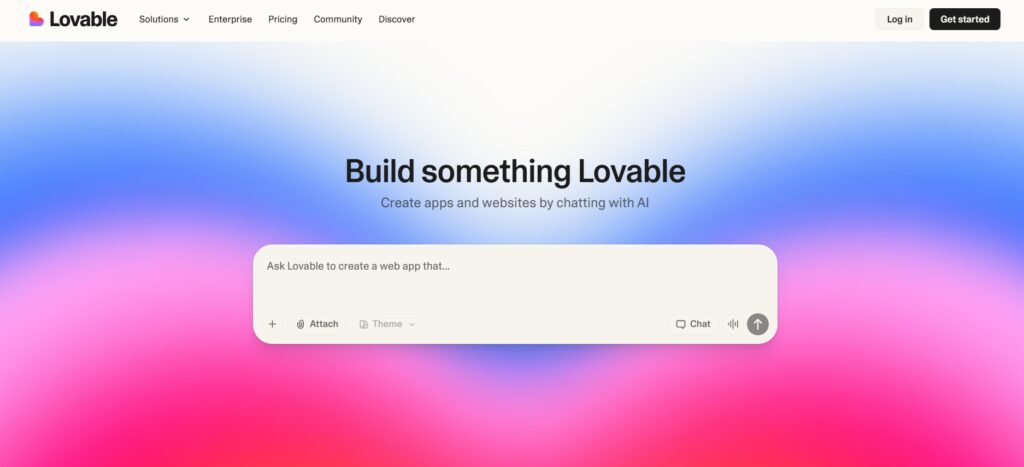
Lovable is one of the most capable AI-first app builders currently available. Where most no-code tools produce frontend-only outputs, Lovable generates complete full-stack applications — React frontend, Supabase backend, authentication, database schema, and API connections — from a conversational description. In practical testing, a non-technical founder can go from “I want a SaaS app where users can upload files, get AI analysis, and share results” to a deployed working prototype in under two hours.
Read the full Lovable AI Review Click Here
Key Features
AI-generated full-stack app scaffolding covering React frontend, backend logic, and Supabase database integration. Conversational iteration — describe what you want to change and Lovable updates the code and UI accordingly. GitHub integration for exporting code and continuing development in a standard codebase. Supabase backend integration for authentication, database, and file storage without manual configuration. One-click deployment to production environments. Rapid prototype-to-MVP workflow: the app generated is real, functional code — not a mock or prototype-only output.
Lovable Pricing (2026)
| Plan | Price | Credits/Month | Key Inclusions |
|---|---|---|---|
| Free | $0 | 5 messages/day | Full-stack generation, Supabase integration, GitHub export, deploy — limited daily usage |
| Starter | $25/month | 100 credits | All Free features + more monthly capacity, custom domains, priority generation |
| Pro | $50/month | Unlimited | All Starter features + unlimited credits, highest generation speed, advanced features |
Pros
- True full-stack output — frontend, backend, auth, and database generated together, not just UI
- Exports real, deployable code to GitHub — not locked into the Lovable platform
- Free tier with meaningful capability — 5 messages/day is enough to evaluate the tool on a real project
Cons
- Credit-based system can exhaust quickly on complex apps requiring many iteration cycles
- Complex business logic and edge cases still require developer involvement for production-grade reliability
Best for: Non-technical founders building MVPs, early-stage startups validating product-market fit, and developers who want to scaffold new projects at 10× the usual speed. The free tier is the right starting point — it provides enough generation capacity to evaluate whether Lovable handles your specific use case before committing to a paid plan.
5. Bubble.io – The No-Code Giant (Now with AI)
Best for: Serious no-code app development
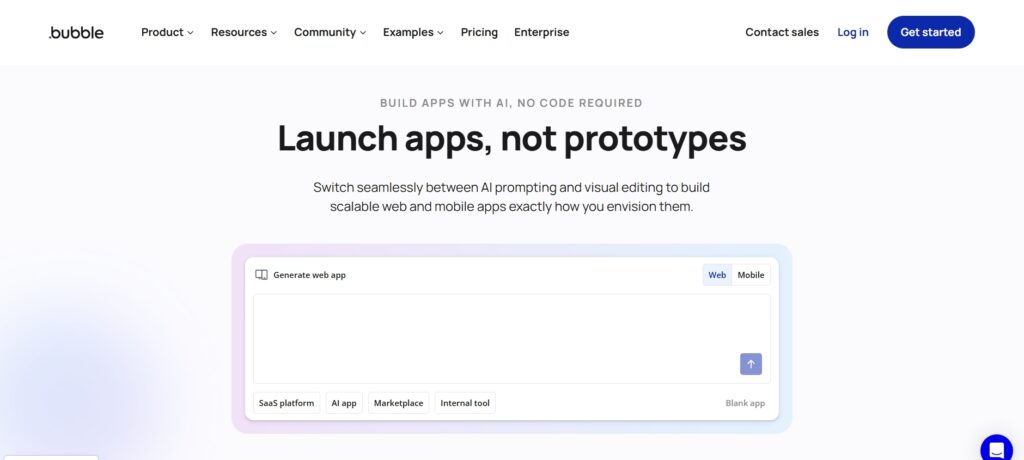
Bubble.io is the most mature and production-capable no-code platform on this list. Unlike newer AI-first tools, Bubble gives you complete control over your application’s database, backend workflows, user permissions, and UI — through a visual programming environment rather than code. Hundreds of SaaS startups have built and scaled revenue-generating products entirely on Bubble, including companies that have raised funding and serve tens of thousands of users. The AI Bubble added in 2025 accelerates the configuration process, generating page layouts, workflow logic, and data structures from prompts — without removing the underlying control that makes Bubble production-viable.
Read the full Bubble.io Review Click Here
Key Features
Visual programming environment for building complete web applications — drag-and-drop UI builder, visual workflow editor, and visual database design. Comprehensive plugin ecosystem with 6,000+ plugins for payments (Stripe), authentication (social logins), APIs, and third-party integrations. Full relational database with privacy rules, custom data types, and complex queries. AI Bubble (2025 addition) that generates page layouts, backend workflows, and data structures from prompts. Custom API integrations without code. Responsive design for mobile and desktop. Dedicated hosting on Bubble’s infrastructure with custom domain support.
Bubble.io Pricing (2026)
| Plan | Price | Key Inclusions |
|---|---|---|
| Free | $0 | Full editor access, Bubble subdomain, development only (no custom domain, ads displayed) |
| Starter | $29/month | Custom domain, 2 app editors, basic server capacity, remove Bubble branding |
| Growth | $119/month | Increased server capacity, custom domain, 5 editors, version control, API access |
| Team | $349/month | High server capacity, 15 editors, advanced security, priority support, logs |
Pros
- Most production-capable no-code platform available — real SaaS products with paying users have been built and scaled on Bubble
- Complete application control — database, backend, permissions, and UI all within one environment
- Very large and active community — 6,000+ plugins, extensive documentation, freelance talent available
Cons
- Steepest learning curve of the five tools — typically 2–4 weeks before productive app building
- Performance requires optimisation at scale — inefficient database queries and workflows can create bottlenecks that need proactive management
Best for: Founders building production SaaS products who are willing to invest the learning curve for a platform that can scale with them. Also strong for agencies building client web apps where the visual environment speeds delivery and reduces handoff complexity. The free plan is genuine — full editor access with no time limit, suitable for learning and building before any paid commitment.
Comparison: Best AI No-Code / Low-Code Tools 2026
| Tool | Best For | Skill Level | Starting Price | Free Tier |
|---|---|---|---|---|
| Nanonets | Document automation | Beginner | ~$499/month | Trial available |
| DeepSite | Frontend generation | Beginner | Free (HF Pro $9/mo) | Yes — fully free |
| Cursor AI | Developer productivity | Advanced | Free / $20/month Pro | Yes — 2,000 completions |
| Lovable | Full-stack app building | Beginner–Intermediate | Free / $25/month | Yes — 5 messages/day |
| Bubble.io | Production SaaS apps | Intermediate | Free / $29/month | Yes — full editor access |
How to Choose the Right No-Code / Low-Code AI Tool
The right tool depends on what you’re trying to build, your technical background, and how much control you need over the output. Three questions narrow it down quickly.
What are you building? Document automation workflows → Nanonets. Frontend-only landing pages or prototypes → DeepSite. Full-stack web apps from scratch → Lovable (fast) or Bubble.io (production-grade). Accelerating existing development work → Cursor AI.
What is your technical background? Non-technical founder or business user → Nanonets, DeepSite, or Lovable. Some technical background comfortable with concepts → Bubble.io. Experienced developer → Cursor AI.
What matters most — speed or control? Maximum speed to working prototype → Lovable or DeepSite. Maximum control over the final product → Bubble.io or Cursor AI.
Conclusion: The Future Is AI-Assisted Building
The rise of AI-powered no-code and low-code tools is not about replacing developers — it’s about removing friction from building software. In 2026, the tools on this list collectively make it possible to validate, build, and deploy software at a speed and cost that was simply not achievable three years ago. The smartest builders aren’t choosing between code and no-code — they’re selecting the right tool for each specific layer of what they’re building.
Start with free tiers where available: Lovable’s 5 daily messages, Cursor AI’s 2,000 monthly completions, Bubble’s full editor, and DeepSite’s completely free access all give you meaningful real-project evaluation capacity before any financial commitment. The question isn’t which tool is best in the abstract — it’s which one fits the specific thing you’re trying to build today.
What are no-code and low-code AI tools?
No-code AI tools allow users to build apps, automate workflows, and generate software outputs using visual interfaces and AI prompts — without writing code. Low-code tools like Cursor AI reduce the amount of manual coding required while still working within a standard development environment. The practical difference: no-code tools (Lovable, Bubble, Nanonets) are accessible to non-technical users; low-code tools (Cursor AI) accelerate technical users who already know how to code. Both categories have been transformed by AI in 2025–2026, with natural language input replacing most manual configuration work.
Are no-code AI tools suitable for startups?
Yes — and they’re increasingly the default choice for early-stage startups. Lovable can generate a working full-stack MVP in hours at $25–$50/month; Bubble.io can support a production SaaS product serving thousands of users at $29–$119/month. The economics are compelling: a development agency build for an equivalent MVP typically costs $30,000–$80,000 and takes 3–6 months. For pre-revenue startups validating product-market fit, no-code AI tools can compress that timeline and cost by an order of magnitude. The trade-off is customisation depth — complex enterprise-grade requirements eventually require traditional development.
Can developers benefit from low-code AI tools?
Yes — significantly, and this is one of the more underappreciated productivity gains in software development in 2026. Cursor AI specifically reports developer productivity improvements of 2–3× for users who adopt it consistently. The mechanism is concrete: instead of manually writing boilerplate, searching documentation, and writing repetitive tests, developers describe intent and the AI generates the implementation across multiple files with full codebase context. Senior developers benefit most — the productivity gain is highest when the developer has the architectural judgment to review AI output critically rather than accepting it without evaluation.
Is Bubble.io still relevant in 2026?
Yes — more than ever. Bubble.io remains the most capable production-grade no-code platform available, with real SaaS companies (some funded, some with $1M+ ARR) built entirely on it. The addition of AI features in 2025 made building on Bubble faster without reducing the control that makes it production-viable. The platform’s longevity (founded 2012), its 6,000+ plugin ecosystem, and the availability of experienced Bubble developers and agencies for hire all contribute to its continued relevance. For founders who want to build serious web products without traditional development, Bubble is still the standard.
Which tool is best for full-stack app development?
Lovable is the best choice for rapid full-stack app generation — it produces working React frontend, Supabase backend, authentication, and database schema from a conversational description in hours, with exportable GitHub code. Bubble.io is the better choice if the app needs to be production-grade, scalable, and maintainable over years — it provides more control, a mature plugin ecosystem, and a proven track record of supporting scaling SaaS products. The practical recommendation: start with Lovable to validate the concept quickly, then consider migrating to Bubble or traditional development if the product needs to scale beyond Lovable’s optimum scope.
Can no-code apps scale?
Yes — with important nuances per platform. Bubble.io has scaled to handle hundreds of thousands of users for some products, though it requires proactive performance optimisation (efficient database queries, workflow design, and server capacity upgrades). Lovable-generated apps run on standard React/Supabase infrastructure that scales conventionally. Nanonets is enterprise-grade and handles high-volume document processing for large organisations. DeepSite generates static HTML that scales trivially on any CDN. The main scaling consideration is Bubble specifically: poorly architected Bubble apps encounter performance limits that well-architected ones don’t, making the platform choice and architecture quality both important.
Are AI no-code tools secure?
The major platforms (Bubble.io, Lovable/Supabase, Nanonets) follow standard security practices including TLS encryption, GDPR compliance, and SOC 2 certification for enterprise tiers. Bubble has dedicated security features including row-level privacy rules for database access control. Lovable uses Supabase as its backend, which provides PostgreSQL row-level security and enterprise-grade data protection. Nanonets is used by regulated industries including financial services, suggesting enterprise-grade security compliance. For any production application handling user data or sensitive business information, review each platform’s specific security documentation and compliance certifications before deployment.
Will AI replace developers?
No — and the evidence from 2025–2026 tool adoption supports this clearly. Developer demand remains high despite broad AI tool adoption; what has changed is the output per developer, not the need for developers. AI tools like Cursor AI make existing developers significantly more productive — they eliminate boilerplate, reduce context-switching, and accelerate implementation of well-understood patterns. What AI cannot replace is architectural judgment, product thinking, debugging complex system interactions, and the creative problem-solving that determines whether software actually solves the right problem. The most valuable developers in 2026 are those who use AI tools fluently rather than those who avoid them.





I am Ashish Yadav a software engineer and AI tools researcher with over five years of practical experience working with real-world systems and automation. I am founder of CognifyFuture, where I analyzes, tests, and breaks down AI tools with a focus on what actually works—not what’s trending.
My content is built on hands-on usage, not theory. Instead of generic advice, I focuses on real implementation—how AI tools can be used to automate tasks, improve efficiency, and solve any specific business or individual problems.
Through CognifyFuture, My aims is to eliminate confusion around AI by delivering clear, honest, and actionable insights that help users make smarter technology decisions.







