
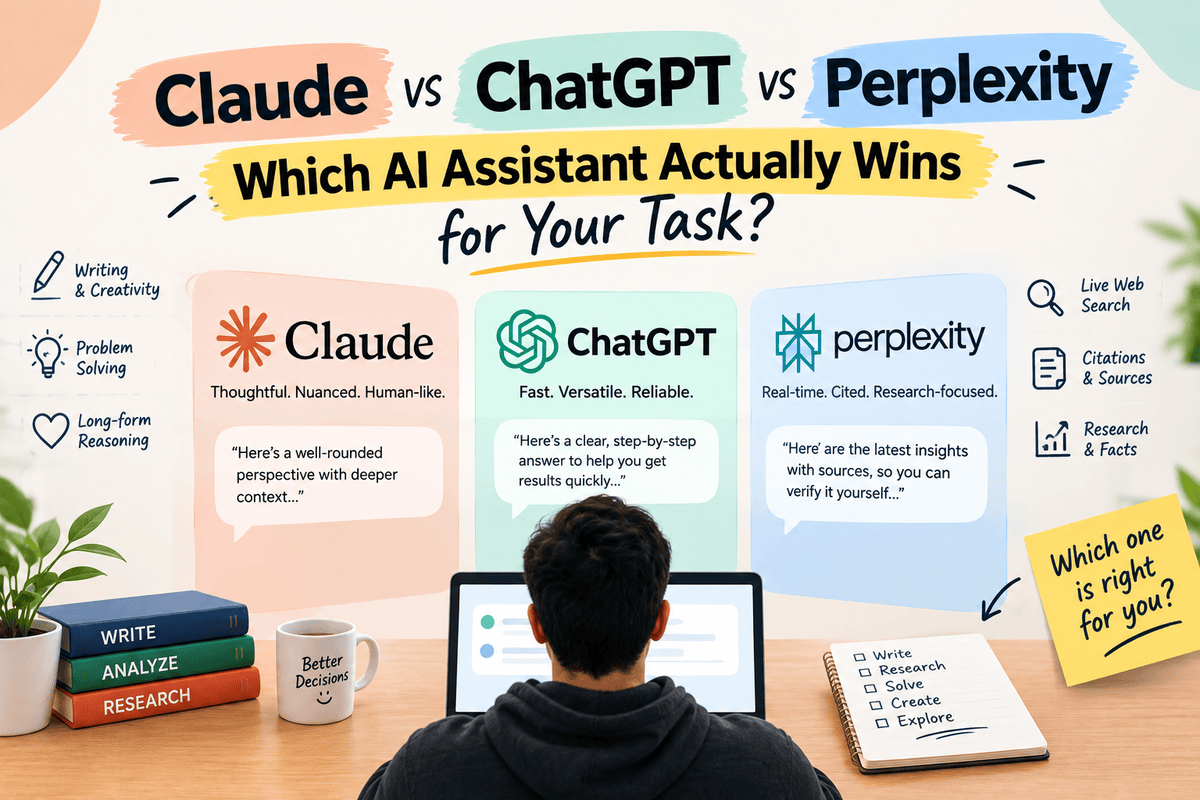
Claude vs ChatGPT vs Perplexity — if you’ve bounced between all three tabs this week trying to figure out which one actually deserves your subscription money, you’re exactly who this comparison is for. I use all three regularly for different parts of the same job: writing, research, and coding. This isn’t a theoretical spec comparison. It’s what actually happened when I ran the same real tasks through each one and paid attention to where each tool genuinely pulled ahead.
The short version, before the details: there isn’t one winner. “Claude vs ChatGPT vs Perplexity” isn’t really a competition with a single champion — it’s three tools built around three different jobs, and the right choice changes depending on what you’re doing that day. This guide breaks it down by task so you’re not guessing.
Quick Overview: What Each Tool Is Actually Built For
- Claude — built by Anthropic, generally strongest at long-document reasoning, nuanced writing, and careful, structured thinking on complex problems.
- ChatGPT — built by OpenAI, the broadest all-around tool: strong writing, strong coding, voice mode, image generation, and the widest ecosystem of integrations.
- Perplexity — an AI-native search and research tool, built around citation-first answers rather than open-ended conversation or generation.
Keeping that framing in mind — depth (Claude), breadth (ChatGPT), and sourcing (Perplexity) — makes the rest of this comparison much easier to apply to your own workflow.
Claude vs ChatGPT vs Perplexity for Writing
For long-form writing — blog posts, reports, scripts, anything over a couple thousand words — Claude tends to hold a more consistent voice and structure across the full length of a document, without the noticeable tone drift that longer ChatGPT outputs sometimes develop. ChatGPT, meanwhile, is faster for short-form content and has a slight edge in raw creative flexibility for things like ad copy, social captions, or brainstorming variations quickly. Perplexity isn’t really built for generative writing at all — it can draft short summaries, but asking it to write an original 2,000-word article isn’t playing to its strength.
Verdict: Claude for long-form and nuanced writing that needs to hold together across many pages. ChatGPT for fast, high-volume short-form content and brainstorming. Perplexity: not the tool for this job.
Claude vs ChatGPT vs Perplexity for Coding
ChatGPT and Claude are both strong coding assistants, and the gap between them has narrowed considerably. In hands-on testing, Claude tends to be noticeably better at holding context across a large, multi-file codebase and explaining its reasoning before making a change — useful when you need to trust what it’s doing, not just get an answer fast. ChatGPT is often faster for quick snippets, boilerplate, and one-off debugging where you don’t need deep architectural awareness. Perplexity can help you research a specific error message or library documentation quickly, thanks to its citation-first search, but it’s not a coding assistant in the way the other two are.
Verdict: Claude for complex, multi-file projects where context retention matters. ChatGPT for fast, everyday debugging and boilerplate. Perplexity for researching an error or an unfamiliar library before you start coding.
Claude vs ChatGPT vs Perplexity for Research
This is Perplexity’s home turf, and it shows. Its citation-first design means every claim comes with a clickable source, which makes fact-checking dramatically faster than digging through a ChatGPT or Claude answer to figure out where a claim came from. ChatGPT with web browsing enabled can do reasonable live research too, but its citations feel more like an add-on than the core design. Claude is strong at reasoning through and synthesizing research you’ve already gathered — summarizing a stack of PDFs, comparing arguments across sources you upload — but it isn’t built to go find fresh information from the live web the way Perplexity is.
Verdict: Perplexity for finding and verifying new information. Claude for synthesizing and reasoning through research material you already have. ChatGPT sits in between, usable for both but not the best specialist at either.
Claude vs ChatGPT vs Perplexity for Data Analysis
Both Claude and ChatGPT can handle spreadsheet cleanup, summarization, and basic chart generation from uploaded files. ChatGPT’s data analysis tools feel slightly more polished for quick visualizations and pivot-style breakdowns. Claude tends to be more careful and explicit about its assumptions when interpreting ambiguous or messy data, which matters if you’re going to make a real decision based on the output. Perplexity isn’t designed for this task at all — it’s not built to process uploaded datasets the way the other two are.
Verdict: ChatGPT for fast visual summaries. Claude when you need careful, transparent reasoning about messy or ambiguous data. Perplexity: skip it for this job.
Claude vs ChatGPT vs Perplexity for Customer-Facing Communication
A use case worth its own section: drafting emails, support responses, and client-facing messages. This is a task where tone matters as much as content, and the three tools behave noticeably differently. Claude tends to produce messages that read as more measured and professionally calibrated by default — useful when you’re drafting something sensitive, like a difficult client update or a delicate negotiation email, where an overly casual or overly stiff tone can actually cost you the deal. ChatGPT is faster for high-volume, lower-stakes communication — a batch of routine follow-up emails, a templated onboarding sequence — where speed matters more than nuance. Perplexity isn’t built for this at all; it’s not a drafting tool.
Verdict: Claude for high-stakes, sensitive client communication. ChatGPT for high-volume, routine messaging. Perplexity: not applicable.
Claude vs ChatGPT vs Perplexity for Learning New Topics
If you’re trying to actually understand a new subject rather than just get an answer, the three tools serve different learning styles. Perplexity is best when you want to see where the information is coming from as you learn — helpful for building genuine understanding rather than just memorizing an AI’s summary. Claude tends to be strongest at breaking down a genuinely complex topic step by step, holding a long back-and-forth conversation as you ask follow-up questions without losing the thread of what you already covered. ChatGPT is a strong generalist here too, with the added benefit of voice mode for anyone who learns better by talking through a topic out loud rather than reading.
Verdict: Perplexity when sourcing matters to your learning process. Claude for a long, patient, step-by-step conversation on a hard topic. ChatGPT for a fast, flexible explainer, especially via voice.
Real Cost of Getting the Tool Choice Wrong
It’s worth being direct about why this comparison matters beyond curiosity. Using the wrong tool for a task doesn’t just produce a slightly worse result — it often costs real time. Asking ChatGPT to do deep, sourced research means you end up manually verifying claims it didn’t cite well in the first place, which can take longer than if you’d started with Perplexity. Asking Perplexity to draft a 3,000-word blog post produces something thin that needs a full rewrite. Asking Claude to generate a quick image or use voice mode simply isn’t possible — you’d need ChatGPT for that. None of these are failures of the tools; they’re mismatches between the task and the tool’s actual design. The fix isn’t finding a single “best” AI — it’s matching the request to the tool built for it, the same way you wouldn’t use a hammer to turn a screw just because it’s the tool already in your hand.
Claude vs ChatGPT vs Perplexity: Pricing Comparison
| Tool | Free Tier | Paid Tier Strength |
|---|---|---|
| Claude | Solid daily limits, capable model access | Best long-context reasoning at the top tier |
| ChatGPT | Solid daily limits, decent model access | Broadest feature set: voice, custom GPTs, image gen |
| Perplexity | Good for everyday fact-checks | Deep multi-step Pro Search for research-heavy work |
None of the three paid tiers is dramatically more expensive than the others, so the real decision driver should be which task you do most often, not which subscription is cheapest.
Claude vs ChatGPT vs Perplexity for Freelancers and Solopreneurs
For anyone running a one-person business, budget matters as much as capability, so it’s worth framing this comparison around return on investment rather than feature checklists alone. Freelance writers and content creators will typically see the fastest payback from Claude, since long-form drafting is usually the single biggest time sink in that kind of work, and Claude’s consistency over long documents directly reduces editing time. Freelance developers and technical consultants often get more mileage from ChatGPT day-to-day, simply because the bulk of freelance dev work is fast, scoped tasks — quick fixes, small scripts, client-facing documentation — where ChatGPT’s speed is the deciding factor. Solopreneurs running any kind of content or marketing operation tend to benefit most from Perplexity for competitive research and trend-spotting, since that’s exactly the kind of work that used to eat hours in manual searching.
The pattern holds across most one-person businesses: pick your primary subscription based on where your actual hours go, not based on which tool has the longest feature list.
Where Each Tool Genuinely Struggles
- Claude — smaller ecosystem of third-party integrations and plugins compared to ChatGPT; no dedicated web-search-first mode as clean as Perplexity’s.
- ChatGPT — can drift toward a generic, “obviously AI” voice on long content without explicit style direction; occasional confident inaccuracy on facts.
- Perplexity — not built for generative writing or coding at all; source quality varies on very niche topics.
Claude vs ChatGPT vs Perplexity: A Task-Matching Cheat Sheet
- Writing a long report or article: Claude
- Fast brainstorming or short-form copy: ChatGPT
- Fact-checking a claim before you publish it: Perplexity
- Debugging a quick script: ChatGPT
- Working through a large, complex codebase: Claude
- Researching a competitor or industry trend: Perplexity
- Summarizing documents you’ve already collected: Claude
- Generating an image or using voice mode: ChatGPT
How I Actually Structure My Own Workflow Across All Three
To make this less theoretical, here’s what a typical work week looks like when using all three tools deliberately rather than defaulting to whichever tab is already open. Research and fact-gathering for a new piece of content starts in Perplexity, where every claim comes with a source I can verify before I build on it. Once the research is gathered, the actual writing — especially anything long-form — moves to Claude, where the voice stays consistent from the introduction to the conclusion without the drift that can creep into very long ChatGPT outputs. ChatGPT gets pulled in for the fast, high-volume stuff around the edges: quick social captions to promote the piece, a batch of email subject line variations to test, or a voice-mode conversation to think through an idea out loud during a commute.
The pattern that emerges isn’t “which tool is best” — it’s “which stage of the work am I in.” Research, writing, and fast iteration are three different jobs, and treating them as one job that any single AI assistant should handle equally well is where most people’s frustration with these tools actually comes from.
Can You Just Use All Three?
For many freelancers, solopreneurs, and small teams, the honest answer is yes — and it’s not as expensive as it sounds once you consider what each subscription replaces. Using Perplexity for research, Claude for long-form writing and complex reasoning, and ChatGPT for fast daily tasks and its wider feature set covers nearly every scenario without forcing a compromise anywhere. The alternative — picking one tool and trying to make it do everything — usually means accepting weaker output on whichever tasks aren’t that tool’s core strength.
That said, if budget is a real constraint and you can only justify one subscription, match it to your most frequent task rather than the tool with the most features. A writer who researches occasionally is better served by Claude’s writing depth than by Perplexity’s search precision. A researcher who writes occasionally is better served by the reverse.
What Switching Costs You (and What It Doesn’t)
One legitimate hesitation about running three subscriptions instead of one is the friction of switching tabs and re-explaining context. In practice, this cost is smaller than it sounds once a task-based habit forms. The switching cost that actually matters is re-explaining background information — and that’s solved by keeping a simple reference document (a style guide, a project brief, key facts about your business) that you paste into whichever tool you’re using that day, rather than relying on any single tool’s memory to carry everything. Once that habit is in place, moving between Claude, ChatGPT, and Perplexity for different parts of the same project stops feeling like overhead and starts feeling like using the right tool for each step, the same way a tradesperson swaps tools within a single job without thinking twice about it.
Claude vs ChatGPT vs Perplexity: Final Verdict
After weeks of running the same tasks through all three, the clearest conclusion is that “which is best” is the wrong question. The better question is “which is best for what I’m doing right now” — and the answer shifts throughout a normal workday. Claude wins on depth and long-context reasoning. ChatGPT wins on breadth and everyday speed. Perplexity wins on sourcing and research trust. Knowing which one to reach for, task by task, is worth more than picking a single favorite and forcing every job through it.
Conclusion
If you’re only using one of these three tools right now, the biggest opportunity is probably not switching — it’s adding a second one for the tasks your current tool handles worst. Try mapping your own weekly workload against the cheat sheet above and see how many tasks are genuinely being handled by the wrong tool.
Which of these three do you reach for most often, and for what? Drop your workflow in the comments — it helps other readers see how this plays out in real jobs, not just theory.
Frequently Asked Questions: Claude vs ChatGPT vs Perplexity
1. Which is better, Claude or ChatGPT?
Neither is universally better. Claude tends to edge ahead on long-document writing and complex reasoning; ChatGPT offers broader features and faster everyday performance. The right choice depends on your primary task.
2. Is Perplexity better than ChatGPT for research?
For fact-checking and sourced research, yes — Perplexity’s citation-first design makes verification much easier. ChatGPT can research with browsing enabled but isn’t built around sourcing the way Perplexity is.
3. Can I use Claude, ChatGPT, and Perplexity together?
Yes, and many professionals do exactly this — using each tool for the task it’s strongest at rather than forcing one tool to do everything.
4. Which AI assistant is best for coding?
Both Claude and ChatGPT are strong for coding. Claude tends to hold context better across large, complex codebases; ChatGPT is often faster for quick snippets and everyday debugging.
5. Which AI tool is best for writers?
Claude generally holds a more consistent voice over long documents. ChatGPT is faster for short-form content and brainstorming variations. Neither replaces a human editing pass.
6. Is Perplexity good for coding or writing?
Not really — it’s built for research and sourced answers, not generative writing or coding assistance. Use it to research before you write or code, not to do the writing or coding itself.
7. Which tool has the best free tier?
All three offer usable free tiers for occasional, everyday use. Heavy daily users of any single task will likely hit limits and need to evaluate the paid tier that matches their specific workload.
8. Do I need to pick just one of these tools?
No. Many professionals use all three for different parts of their workflow — Perplexity for research, Claude for long-form writing and reasoning, ChatGPT for speed and everyday breadth.





I am Ashish Yadav a software engineer and AI tools researcher with over five years of practical experience working with real-world systems and automation. I am founder of CognifyFuture, where I analyzes, tests, and breaks down AI tools with a focus on what actually works—not what’s trending.
My content is built on hands-on usage, not theory. Instead of generic advice, I focuses on real implementation—how AI tools can be used to automate tasks, improve efficiency, and solve any specific business or individual problems.
Through CognifyFuture, My aims is to eliminate confusion around AI by delivering clear, honest, and actionable insights that help users make smarter technology decisions.







